Fast flashing RED and fast
continuous beeping
Single flash RED and single
beep every second
Hardware fault in headset Headset not registered
Arrange headset swap out Register headset to
base station
Headset will single pulse or
double pulse GREEN when
registered
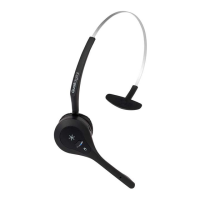
HEADSET LED (normal operation green pulse, lane 2 blue)
Note: If you are an installer, service agent or service centre, it
is good practice to deregister a headset BEFORE sending it to
a customer. Customers should always receive an unregistered
headset which will flash RED and require registration as in
column 2 above, before use in store.
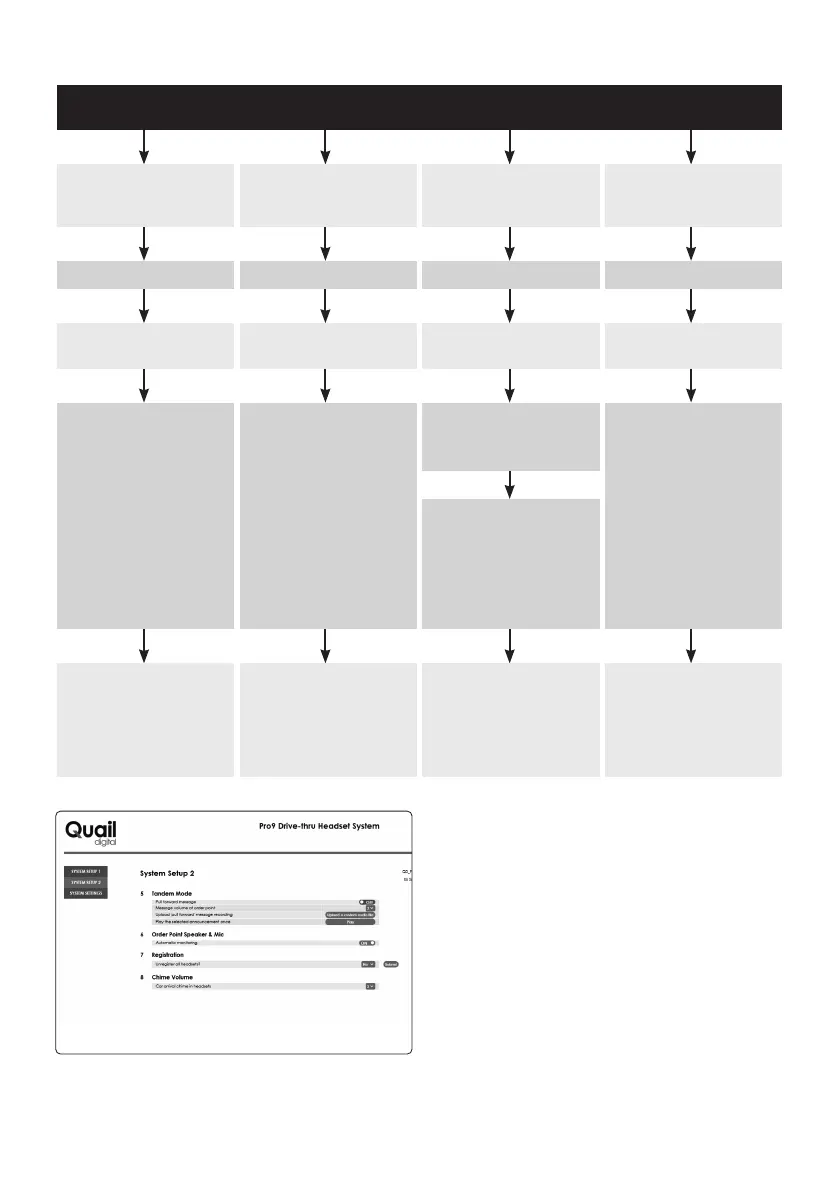
Procedure to deregister a headset before giving it to the
customer: Go to Appendix F and G in this manual. Connect
a computer to the base station. On GUI page ‘System Setup 2’,
go to ‘Registration’, select YES, then click ‘Submit’. ALL headsets
registered to that base station will deregister, the headset LED
will flash RED with a single beep every second.
Single flash GREEN and 3 fast
beeps every 3 seconds
Single flash ANY colour with
additional RED single flash
in-between
Headset is ‘Out of range’ Battery low
Move closer to base station Return battery to charger
Headset beeps stop, LED
returns to operational status
OR
Take charged battery from
charger, insert into headset,
LED will return to operational
status. Resume operation
Remove battery from
headset, hold headset up to
base station. Insert battery
again. LED will fast-flash RED,
then pulse GREEN and will be
ready for use
See Step 14 of main manual
for registration process
Headset continues ‘Out of
range’ status when close to
base station
Headset not registered to
base station on premises,
requires registration to system
page 26



 To Next Page