page 25
No LED AMBER
No power to base Insufficient power getting to repeater
Check plugged in correctly. If it is: Send Tech to site to check wiring and connectors,
replace repeater if cable tests OK
Send Tech to site to check wiring and connectors,
replace repeater if cable tests OK
Replace repeater if cable tests OK
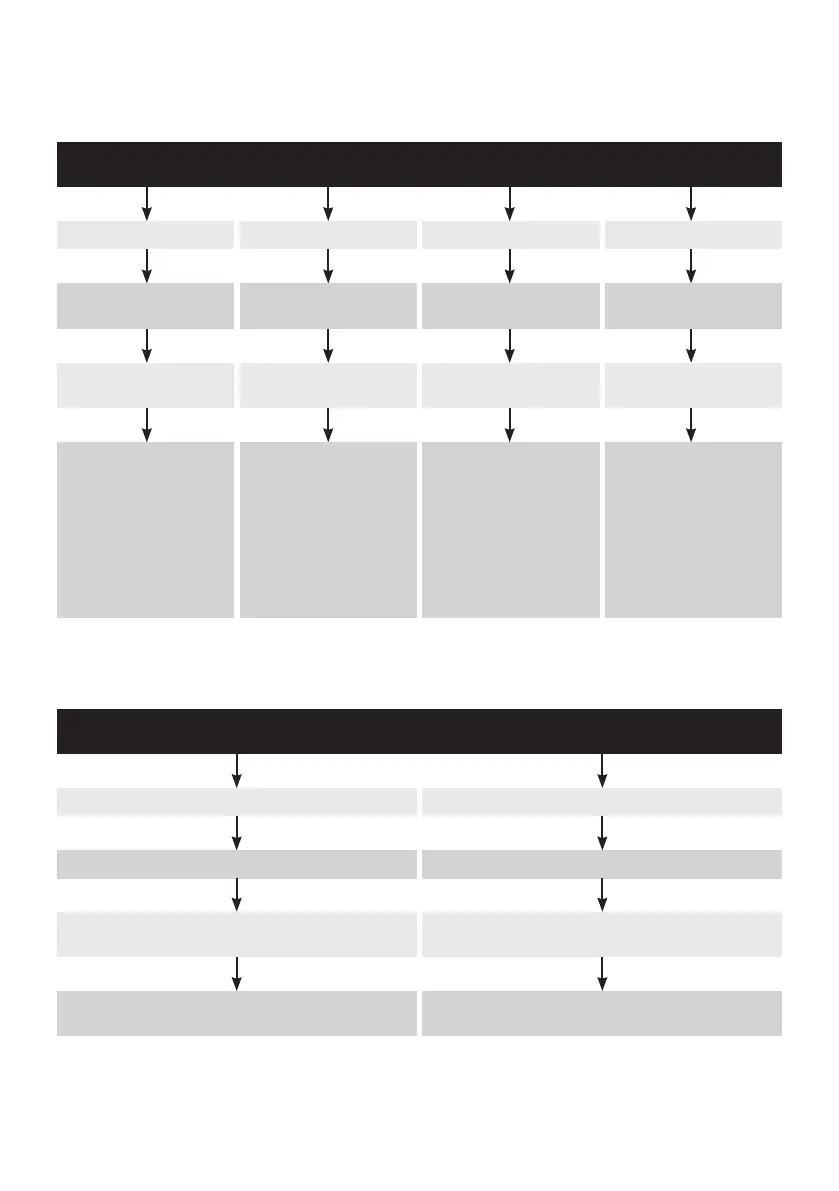
REPEATER LED (normal operation green)
Trouble shooting
RED single flash RED double flash RED triple flash AMBER triple flash
Failure between base station
and DTM
Road loop has failed Speaker in order point
has failed
Microphone in order point
has failed
First check cable is plugged in
on top of base station
Send Tech to site to repair
or replace loop
Send Tech to site to replace
speaker in order point
Send Tech to site to replace
microphone in order point
Ask customer to locate the
DTM. If the LOWER LED is off,
the cable between base and
order point is faulty. Send
Tech to check/replace cable or
connectors.
If LED on DTM is RED, the
DTM has failed. Send Tech to
replace DTM.
Press vehicle detection
override to keep microphone
live until repair is complete
DRIVE-THRU BASE STATION LED (normal operation lane 1 red, lane 2 green)
Note: The above troubleshooting must be completed in conjunction with a system reset. After any system component changes the
system must be reset.



 To Next Page