28
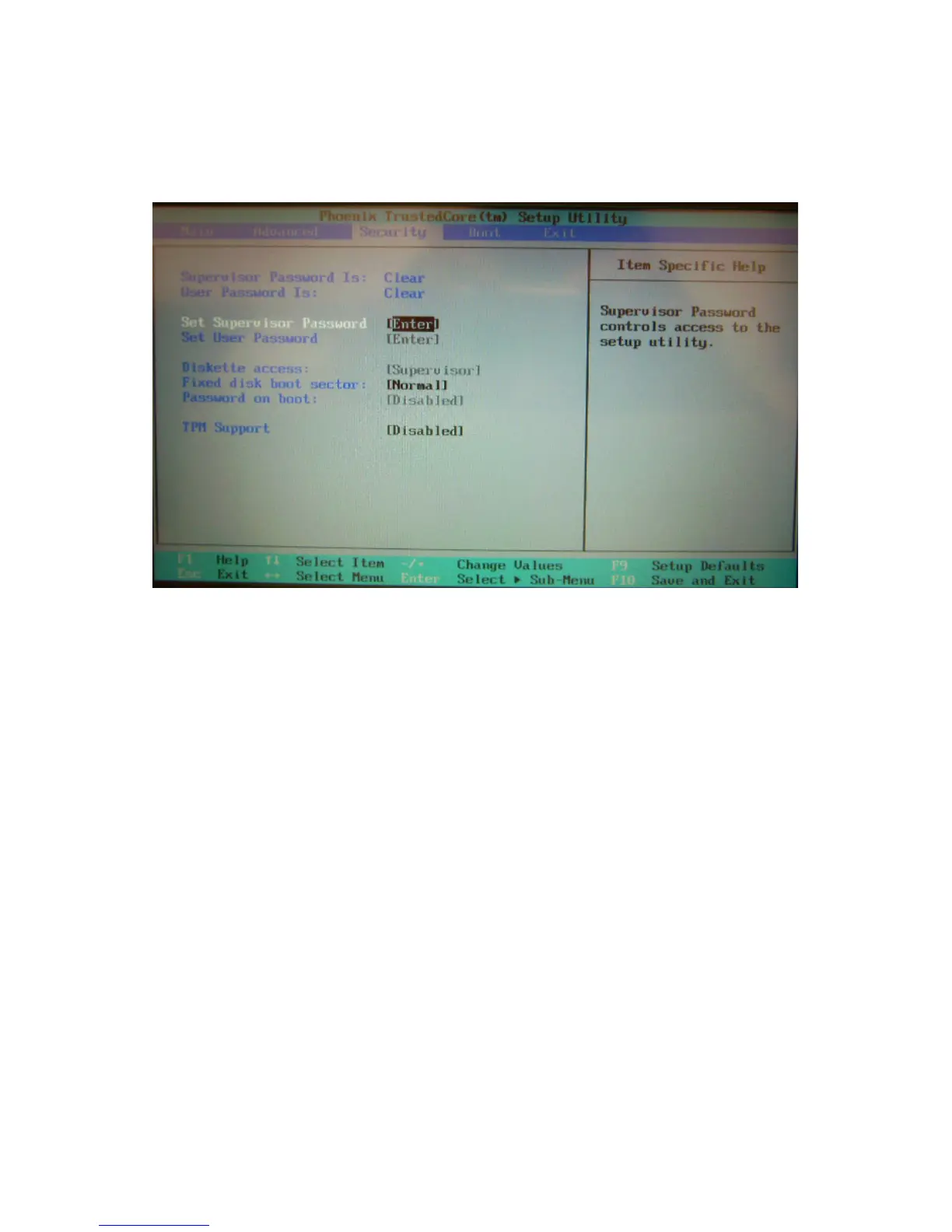
Security Setup
In this menu you can set up supervisor and user passwords to protect system
information and limit third party access.
• Supervisor Password Is: Displays the supervisor password.
• User Password Is: Displays the user password.
• Set Supervisor Password: Enter and confirm your new password. You
will be asked to enter this password each time you enter the setup utility.
• Set User Password: The supervisor password must be set before you can
set the user password. You will be asked to enter this password each time
the notebook is powered on.
• Diskette access: Configure user access for the BIOS Setup Utility.
• Fixed disk boot sector: Write Protect the boot sector of the hard disk to
avoid infection by some virus types.
• Password on boot: When enabled, a password is required during system
boot. Either the supervisor or user password will be accepted.
• TPM Support: When enabled, the built-in TPM security chip is activated.



 To Next Page