802BT/802R Video Test Generator User Guide 665
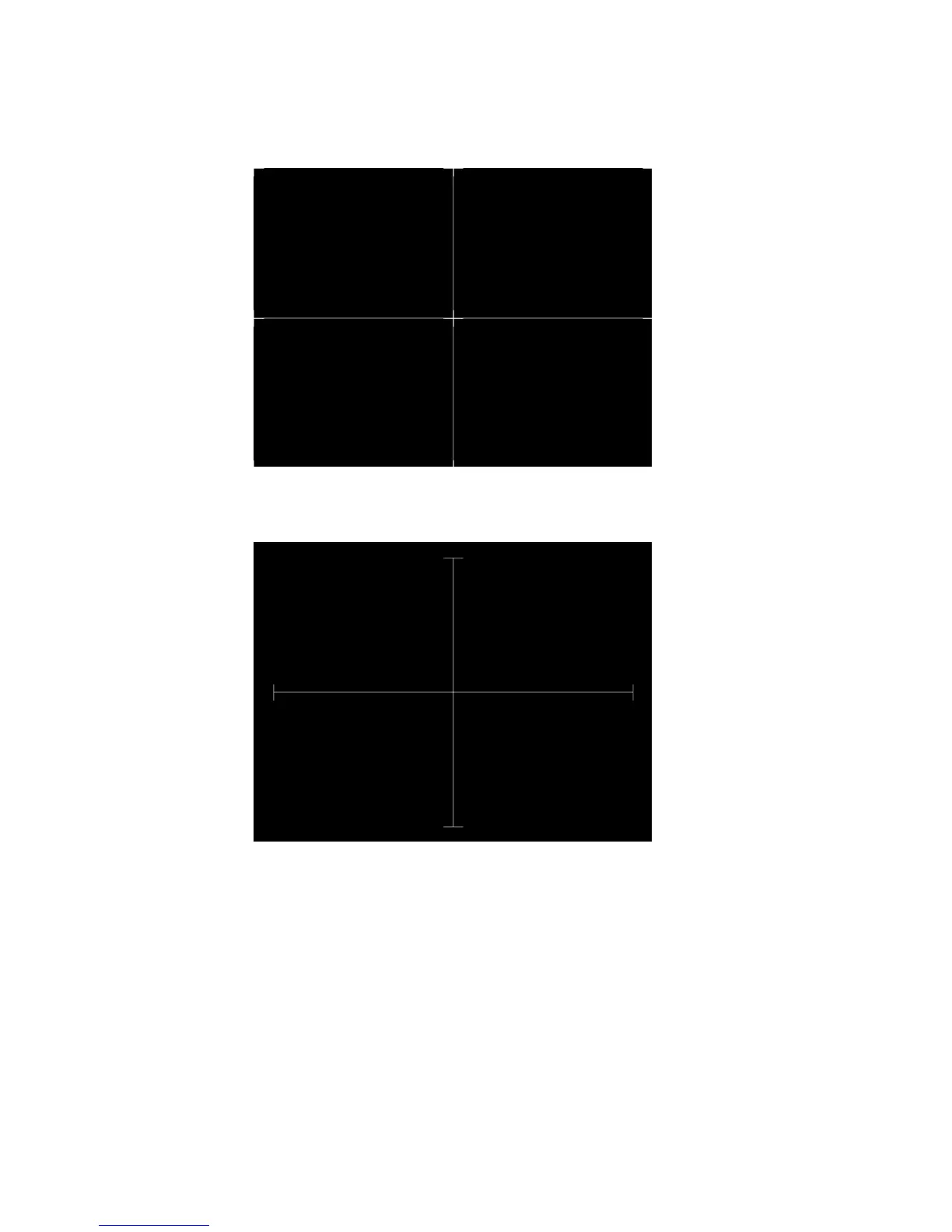
In the Outline2 version, the two diagonal lines are removed and short marker lines are
added to the corners, and where cross lines meet and end.
In the Outline3 version, the two diagonal lines are removed, cross lines are shortened, and
short marker lines are added.
Test Yoke tilt correction
Purpose The horizontal axis of a displayed image should line up with the horizontal axis of your
monitor. Any tilt is likely due to the yoke being rotated on the neck of the CRT. A rotated
yoke makes any displayed image appear rotated.
Method Place your monitor on a flat surface so the face of the CRT is perpendicular to the surface.
Use a ruler or gauge to measure the height of each end of the image’s horizontal center
line from the surface. The difference between the two readings should be within



 To Next Page