802BT/802R Video Test Generator User Guide 689
SlideBox
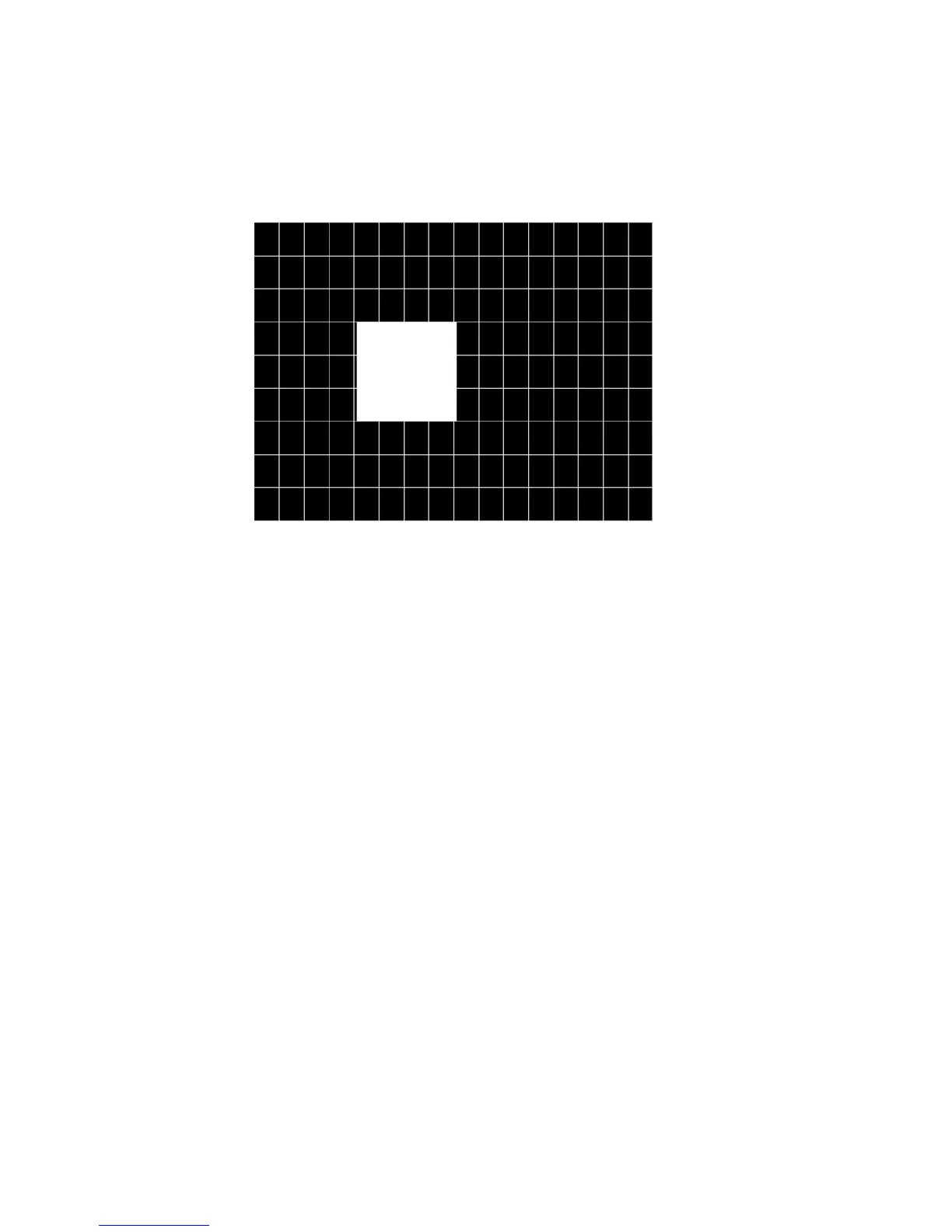
Description This image displays a 16x9 white crosshatch with a large white patch moving across the
screen.
To change the animation speed:
1. Load the SlideBox image.
2. Establish a terminal session with the generator (see page 14).
3. Enter the following commands:
ISUB 1
IVER 1
IMGU
DELX 10;
IMGU
DELX 20;
IMGU



 To Next Page