110
4
Select [Yes] by using the buttons to and press the button to apply
the setting. If you want to cancel to apply the setting, please select [No] by
using the buttons to and press the button.
A flag icon will appear in all marked images.
WARNING !!
When [Select Files], [Mark All] or [Unmark All] is done, it may take
much time to finish them depending on the number of files in the card.
TIP
Select [Unmark All] from the Mark Menu to unmark all marked images
on the card.
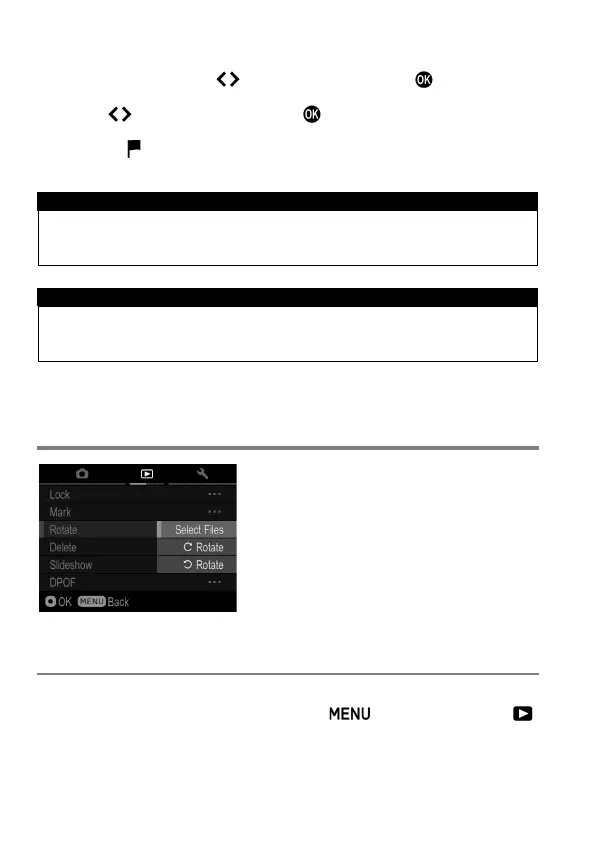
ROTATING IMAGES
It is possible to rotate the displayed image.
TO ROTATE AN IMAGE
1
Display an image to rotate, press the button and open [
Playback Menu] (P.2 8 ) to select [Rotate].



 To Next Page