98
MAGNIFYING IMAGES (ZOOMED-IN VIEW)
Reviewed images can be magnified, making it possible to check image
details and focusing.
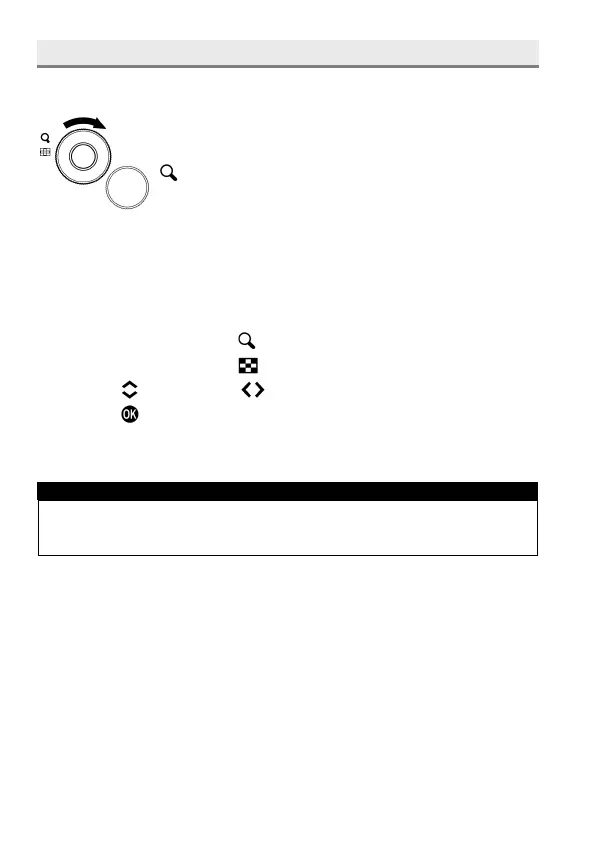
While reviewing images, rotate the Front Dial to the
position.
The magnification ratio will be changed as follows.
Original
→
X1.25
→
X1.6
→
X2.0
→
X2.5
→
X3.15
→
X4.0
→
X5.0
→
X6.3
→
X8.0
→
X10.0
WHILE IN ZOOMED-IN VIEW:
Rotate the Front Dial to the position to increase magnification.
Rotate the Front Dial to the position to decrease magnification.
Press the buttons or the buttons to pan around the image.
Press the button to return to the original ratio.
Rotate the Rear Dial to see the previous or next images.
TIP
Images are magfinied based on the position of the focus point duing
shooting.



 To Next Page