126
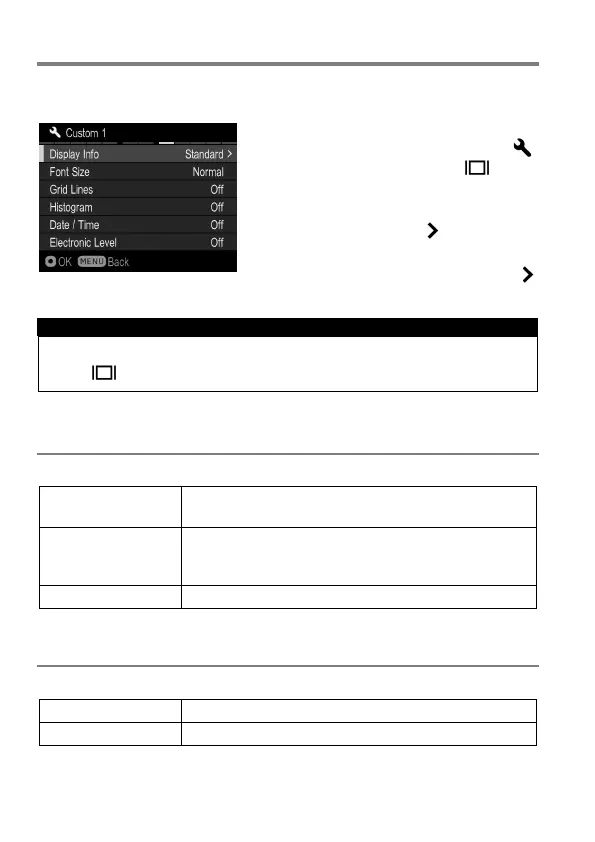
CUSTOMIZE THE DISPLAY OF LCD MONITOR
Size of icon displayed during shooting can be changed, or useful functions
for photography can be added.
1
Select mode to customize from [
Camera Settings]
(P. 2 8 )
→
[ Mode
Settings].
2
Select [On] and press the button.
3
Select items to change and press the
button.
TIP
Unrequired display mode can be set to hide. Select unrequired mode
from [
Mode Settings] and set them to [Off].
Display Info
Shooting information to display can be selected.
Off
Only the information at the bottom of the screen is
displayed.
Minimum
Only the information at the bottom of the screen, the
battery level and the maximum number of images to
be taken are displayed.
Font Size
Font Size for shooting information can be selected.



 To Next Page