88
USING THE EXTERNAL FLASH
This section explains how to use external flashguns.
THE EXTERNAL FLASH
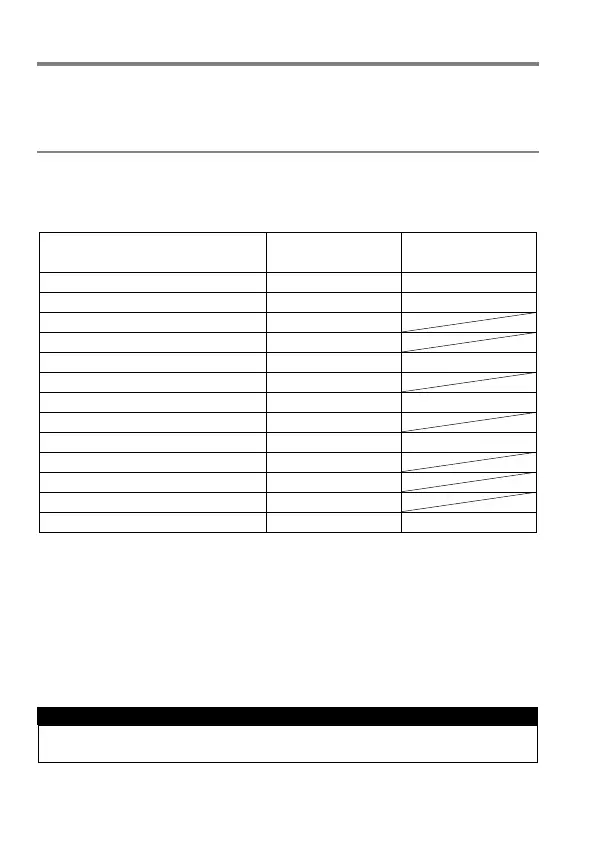
The dp0 Quattro camera is equipped with a hot shoe, allowing the use of
external flashguns. Please refer to the following table for the compatibility
and available functions.
Second Curtain Synchronization
Redeye Reduction Flash *1
Flash Exposure Compensation *1
*1
It is possible to change the setting in the camera.
*2
For this function, only the camera’s settings will be used and will override
the flashgun settings.
Please refer to the instruction manual of the flashgun when you check the
details of how to change the device settings.
It is not possible to use the AF Assist Light.
WARNING !!
Please make sure that a wide panel is always attached during the use.



 To Next Page