78
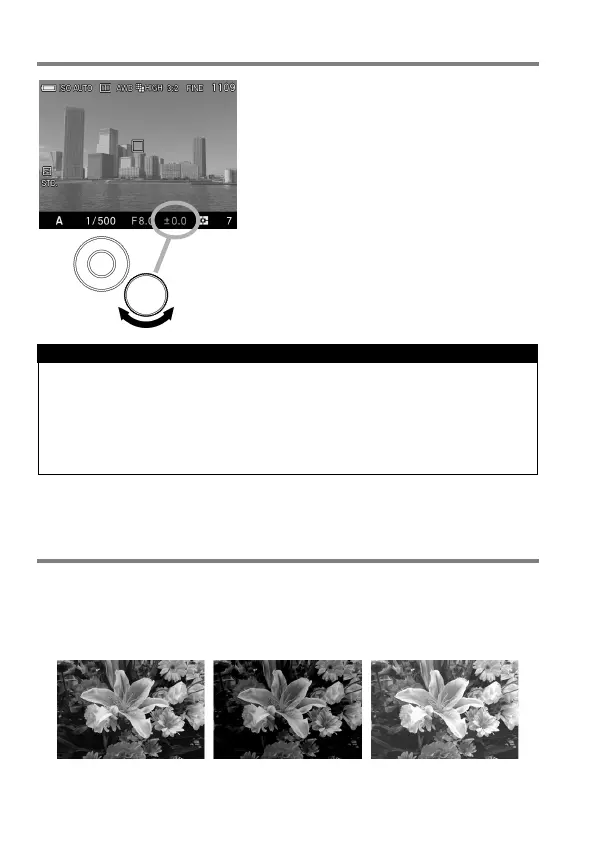
EXPOSURE COMPENSATION
If you want to intentionally overexpose or
underexpose the picture, use this function.
Select the desired compensation value by
rotating the Rear Dial.
Exposure compensation can be set in
1/3 stop increments from +3.0 to -3.0
stops.
CAUTION !!
The exposure compensation will not disable automatically. After taking
the picture, set the compensation value to ±0.0 by rotating the Rear
Dial.
Exposure compensation function cannot be used with Manual
Operation mode.
AUTO BRACKETING
This function of the camera lets you take a sequence of pictures of the
same subject at three different exposure levels; Appropriate Exposure,
Under Exposure and Over Exposure. If it is difficult to determine the proper
exposure, please use this function.



 To Next Page