EasyManua.ls Logo

Quattro dp0 - Page 13

Default Icon
146 pages
Print Icon
To Next Page IconTo Next Page
To Previous Page IconTo Previous Page
Loading...
13
1
AF AUXILIARY LIGHT
20
2
CAMERA STRAP EYELET
21
3
DC CONNECTOR COVER
22
(DISPLAY) BUTTON
4
RELEASE LEVER
5
BATTERY COVER
23
(QUICK SET) BUTTON
6
LENS
7
FILTER ATTACHMENT THREAD
24
/
8
FOCUS RING
9
MICROPHONE
25
10
TRIPOD SOCKET
11
CARD / USB COVER
26
12
FOCAL PLANE MARK
27
13
AUTO FOCUS LAMP
28
(FOCUSING POINT) BUTTON
14
HOT SHOE
15
POWER SWITCH
29
16
MODE BUTTON
30
17
FRONT DIAL
18
SHUTTER BUTTON
31
(FOCUS MODE) BUTTON
19
REAR DIAL
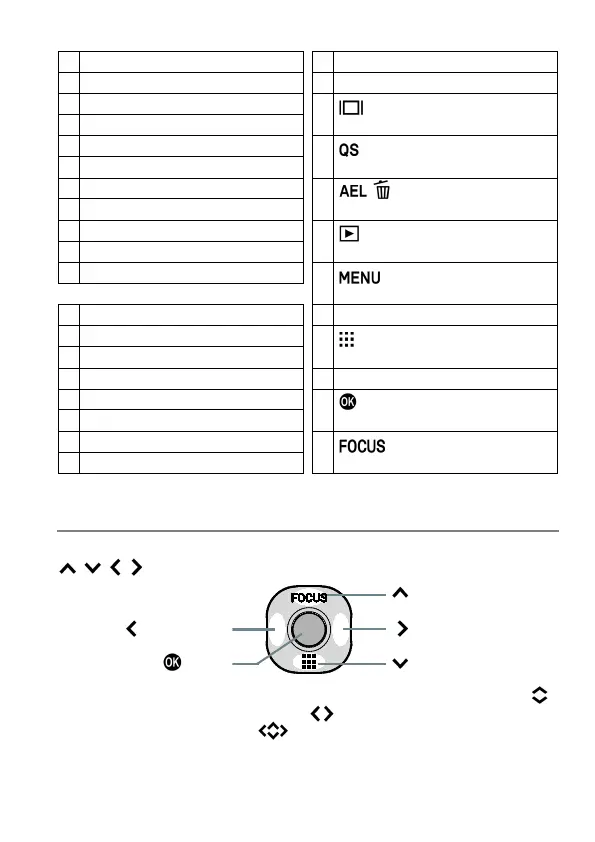
SELECTOR (29)
In this instruction manual, each position of selector is shown as
/ / / .
(Up button)
(Left button)
(Right button)
button
(Down button)
The buttons are used as follows: To operate Up and Down buttons:
.
To operate Left and Right buttons: . To operate both Up and Down,
and Left and Right buttons: .

Table of Contents