37
OPERATION
→
→
→
→
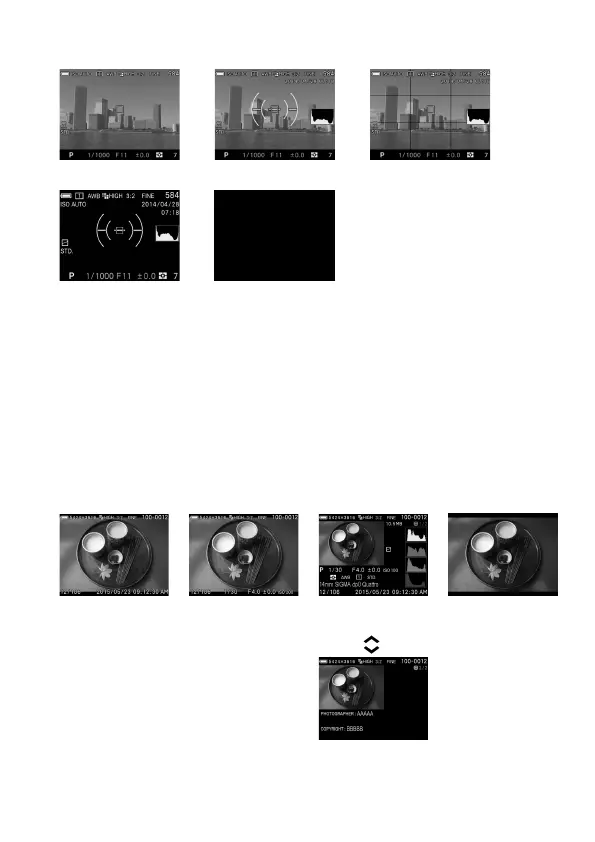
Refer P.14 [COLOR LCD MONITOR INDICATION] for the meaning of
each icon.
In the View Finder Mode, only Icons will be displayed. This mode is
convenient for shooting with the optional View Finder.
Information to display on [Custom] can be customized (Refer P.1 2 6).
The size of the icon displayed during operation on Viewfinder Mode and
LCD Off Mode can be changed (Refer P. 1 26).
REVIEWING
→
→
→
Display Icons
(Display da
te and
( P.9 7)
Display Icons
(Display Image
Info)
( P.9 7)
1/2 Display Image
Info Screen
( P.101)
2/2 Copyright
Information screen
( P.101)



 To Next Page