83
Toning Effect (Only with Monochrome)
Monochrome images can be finished with preferred color tones.
1
Select your preferred Color Mode from [ Capture Settings] (P. 2 8) →
[Color Mode], and press the button to display Color Mode Detailed
Setting screen.
To set from Quick Set Menu ( P.3 5), select preferred Color Mode, and press
the button to display Color Mode Detailed Setting screen.
2
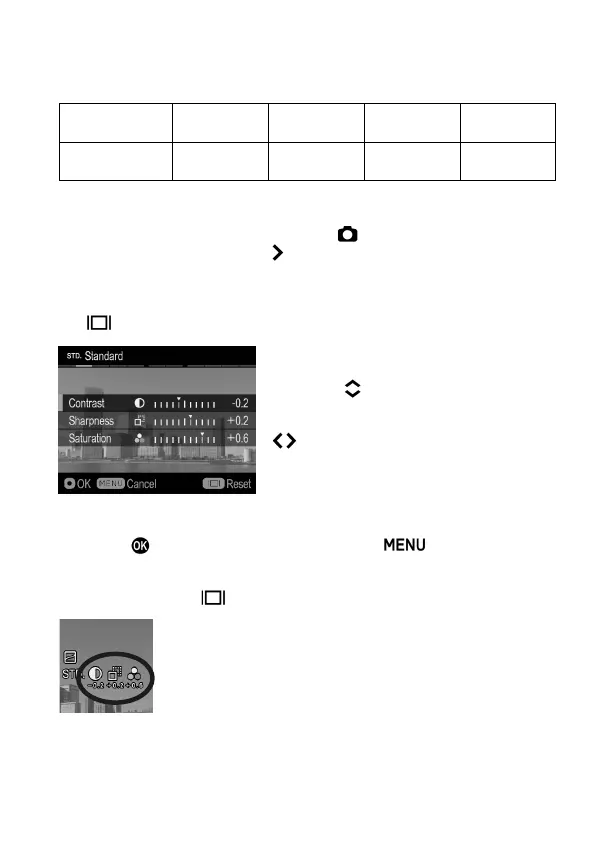
Press the buttons to select [Contrast],
[Sharpness] or [Saturation] on the Color
Mode Detailed Setting screen, and use the
buttons to select adjustment value
(Adjustable up to ±1.0 with 0.2 steps) or
set the preferred option.
3
Press the button to apply the setting or the button to close the
sub-menu without making any changes.
To reset, press the button.
If you adjust image parameters, their icon is displayed on
the left of the color LCD monitor.



 To Next Page