93
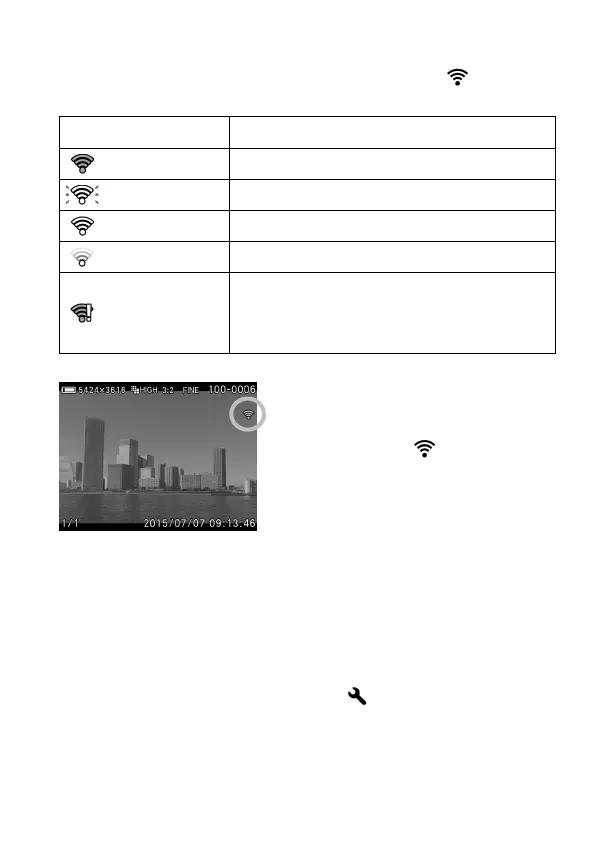
It is possible to check the Wi-Fi connection with the icon on the
display.
—
[Eye-Fi Transfer] is turned off.
Not connected to other devices.
Trying to connect to other devices.
On standby for transferring images.
Error in the communication of the Eye-Fi card.
(Please reboot the camera. If the same icon
keeps appearing, it might be the malfunction of
The images with icon have been
transferred.
It is possible to check the device information of the Eye-Fi card and the
status of Wireless communication.
Connected SSID
MAC address of the Eye
-Fi card
Firmware version of the Eye-Fi card
It is possible to check the information from [ Camera Settings] ( P. 2 8) →
[Eye-Fi Settings] → [Connection Information].



 To Next Page