GNSS Module Series
L89 EVB User Guide
L89_EVB_User_Guide 13 / 26
Table 4: L89 EVB Switches and Buttons
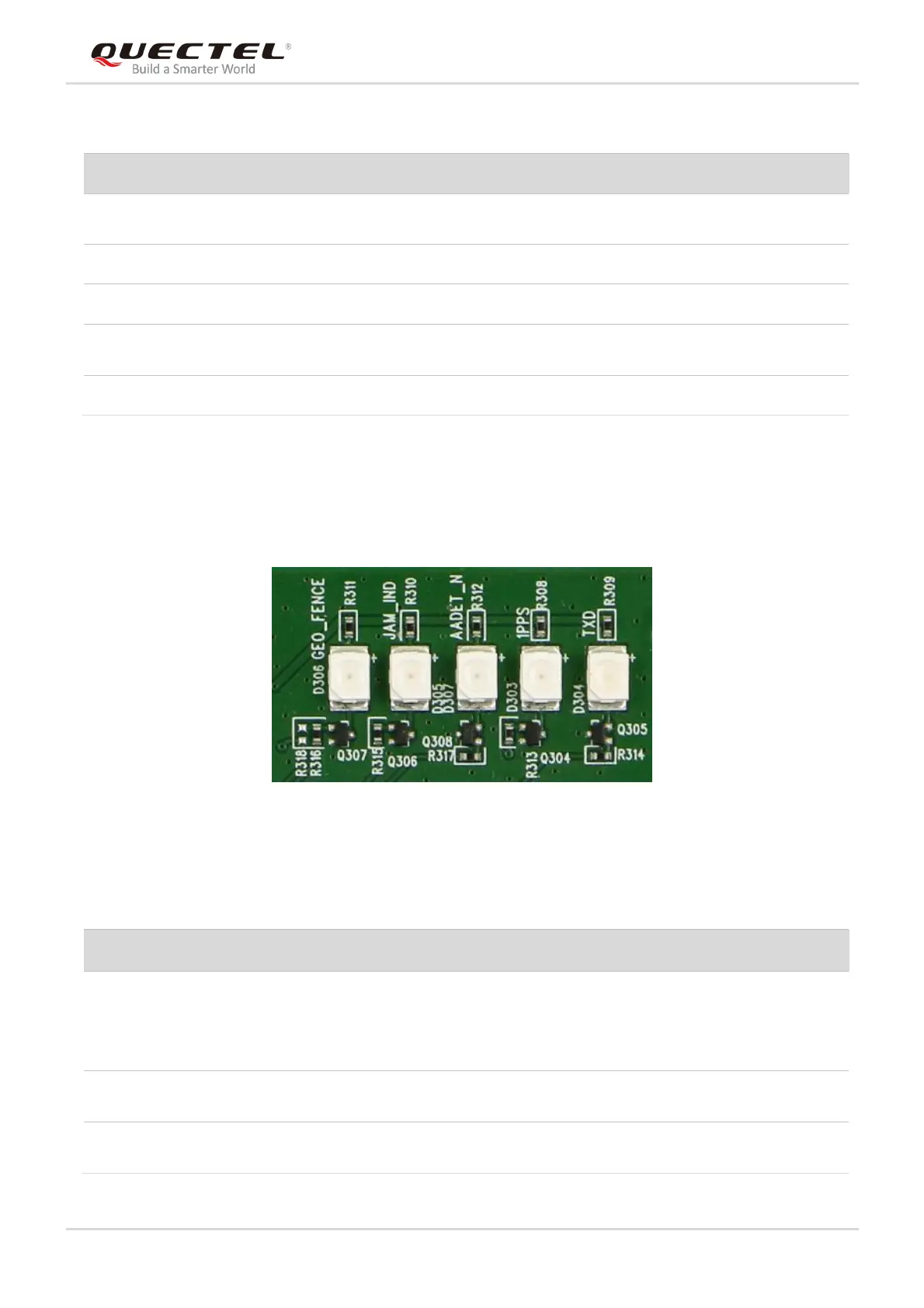
3.4. Operation Status Indication LEDs
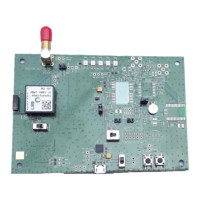
Figure 7: Operation Status Indication LEDs
Table 5: Operation Status Indication LEDs
When the button is pressed and then released,
the module will be reset.
Configured to exit Backup mode of L89 EVB.
Please refer to Chapter 4.2.2 for details.
Configured to control power supply by using
Micro-USB interface.
Please keep the switch on USB side
Flash: The module is started successfully, and either
Micro-USB or SD card interface can be used to
output messages.
Extinct: The module fails to be started.
Flash: Successful position fix. The frequency is 1Hz.
Extinct: No position fix.
High: The module has no external active antenna.
Low: The module works by using an internal antenna.



 To Next Page