GNSS Module Series
L89 EVB User Guide
L89_EVB_User_Guide 15 / 26
4 EVB Operation Procedures
L89 module is upgraded through the UART port (UART_TX/UART_RX) in two methods: firmware
downloading in normal working mode and firmware downloading in boot download mode.
4.1. Communication through Micro-USB Interface
Step 1: Connect the EVB to the PC by using a Micro-USB cable through Micro-USB interface, and then
switch POWER pin to ON state to power on the EVB.
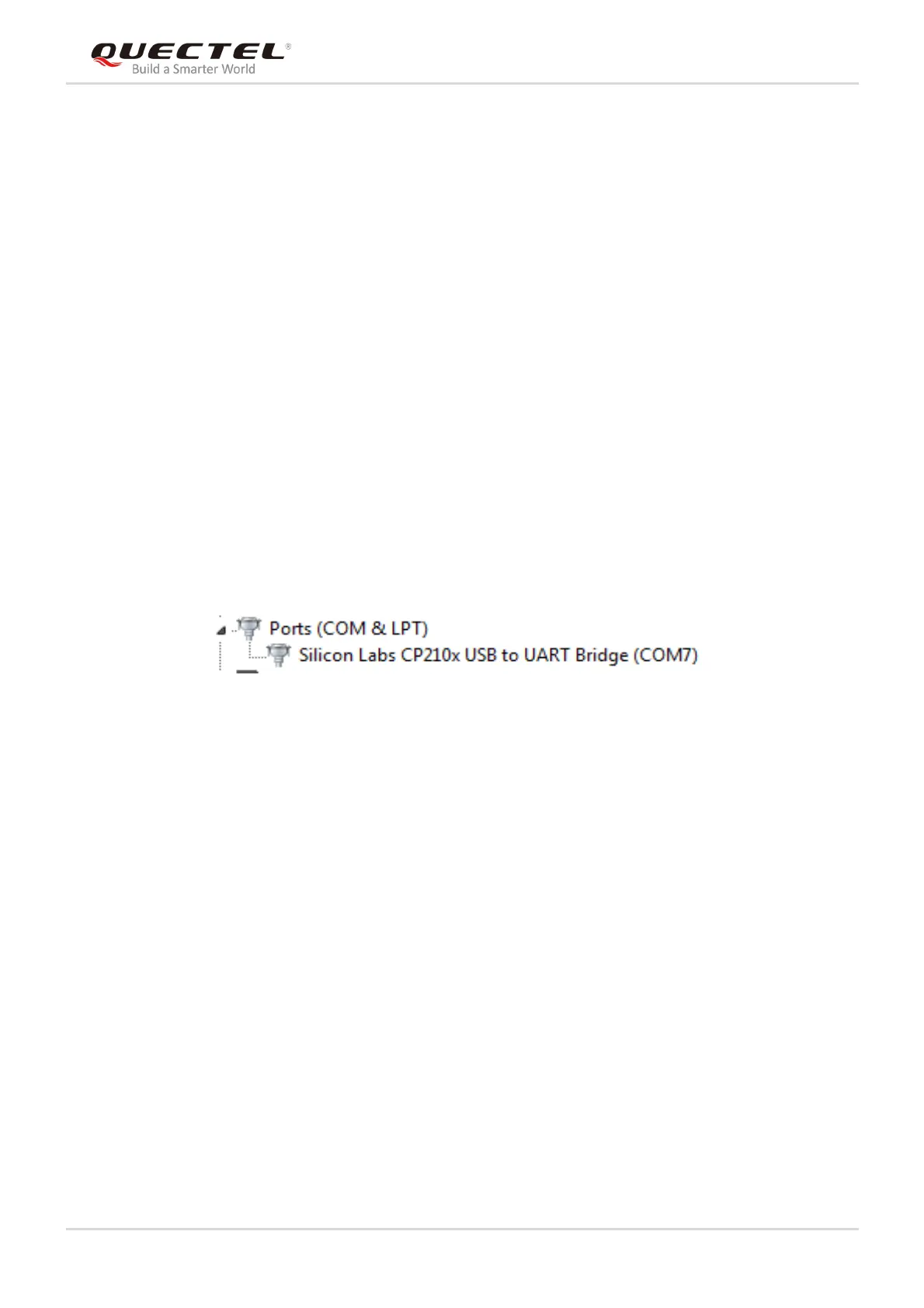
Step 2: Run the USB flash drive on the PC to install the USB driver, where the USB port numbers can be
viewed through the PC Device Manager, as shown below.
Figure 9: USB Ports
Step 3: Install and then use the QCOM tool provided by Quectel to implement the communication
between L89 module and the PC.



 To Next Page