GNSS Module Series
L89 EVB User Guide
L89_EVB_User_Guide 16 / 26
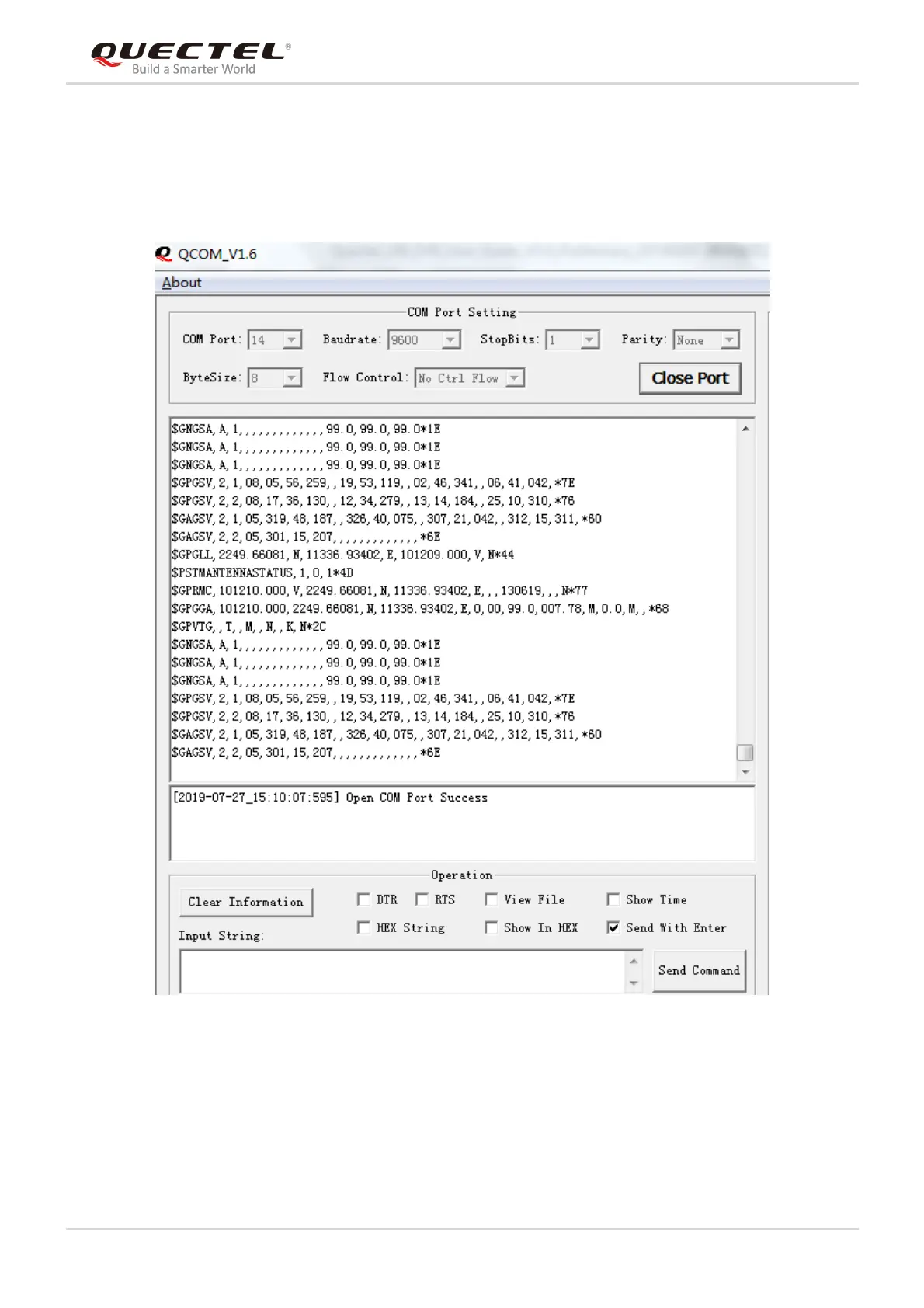
The following figure shows the COM Port Setting interface of the QCOM tool. The customers can select
the correct “COM Port” (USB Port shown in the foregoing figure) and set the correct “Baudrate” (the
default value: 9600bps). For more details of usage of the QCOM tool, please refer to
Quectel_QCOM_User_Guide.
Figure 10: COM Port Setting Interface of QCOM



 To Next Page