5G Module Series
RG500L_EVB_User_Guide 36 / 38
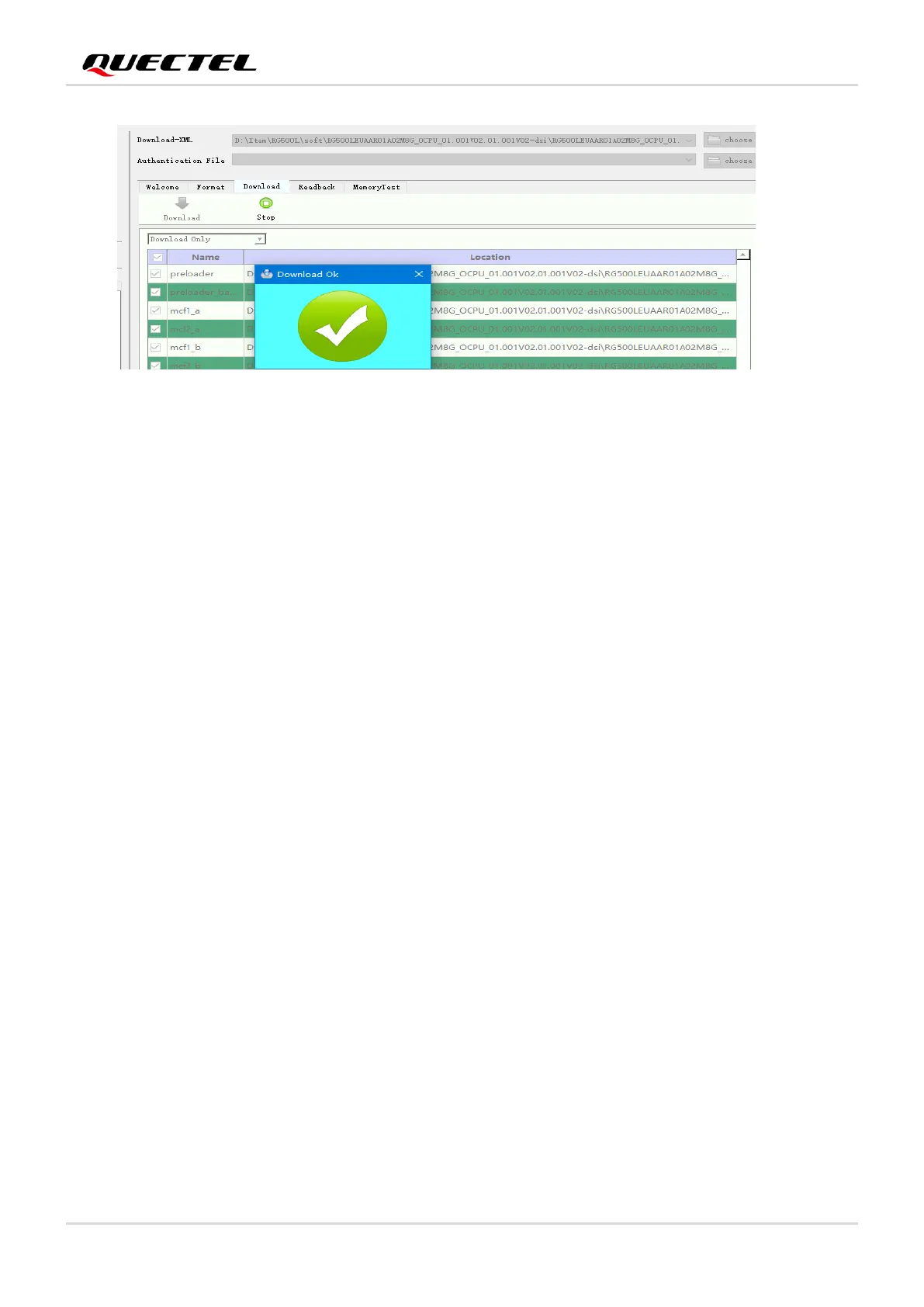
Figure 29: Firmware Download OK
4.4. Reset the Module
The reset option is only used in case of abnormality, for example, the software fails to respond for more
than 5 seconds due to serious problems.
Short-press the button S1204 (RESET) for 250–550 ms, and then release it to reset the module.
4.5. Turn off the Module
There are two methods to turn off the module.
⚫ Turn off the module with AT+QPOWD. This is a safe method because the module will log off from the
network and save data before shutdown.
⚫ Turn off the module with PWRKEY button (S1202). Long-press PWRKEY for at least 3000 ms, then
the module will be powered off.





 To Next Page