Q-41-MSII-2-EN 9.13 02-02-21
Programming Level B
In order to access parameters on programming level B, proceed as described below when turning power on:
- Turn OFF power switch S1
- Press and hold key M+ and V+ simultaneously
- Turn ON power switch S1
⇒ Indication 1 shows „B“ in its extreme righthand (8th) digit.
Use keys M+ or M- to advance to Indication 4.
Programming of Control Parameters
Programming Procedure
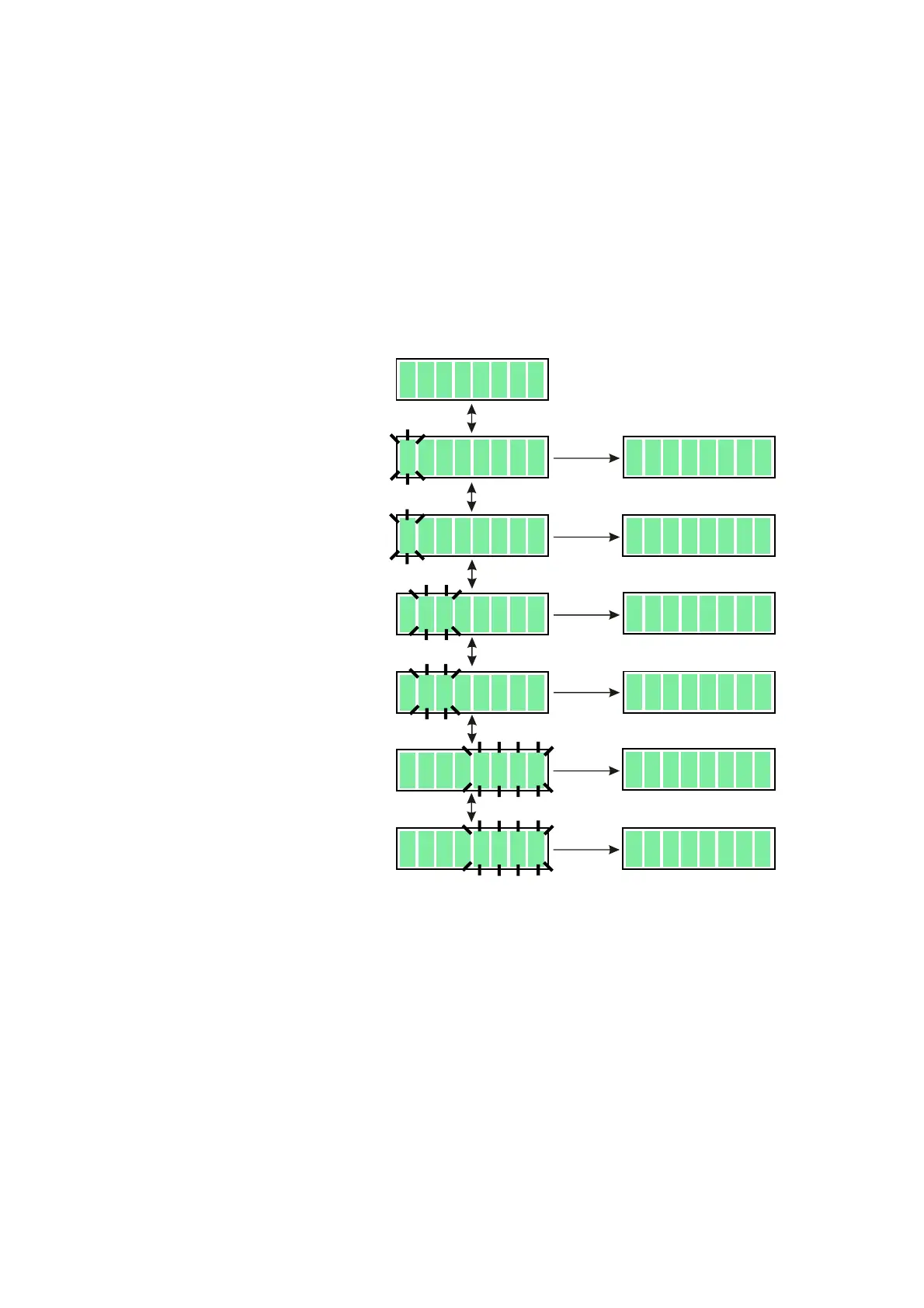
- Use keys C>> or C<< to make digits blink; sewing is not possible.
- Use keys V+ or V- to increase or decrease the number of blinking digits.
- Use keys M+ or M- to cause blinking to stop; sewing is possible again.
Programming Level C
In order to access parameters on programming level C, at first take preparatory action on programming level B
by changing parameter (software switch) 798 to I (<798> = I). Then either change display by actuating keys M+
or M- or call up a different parameter by actuating keys C>> or C<< and V+ or V-.
Now turn the power switch OFF and immediately ON again.
⇒ Indication 1 shows „C“ in its extreme righthand (8th) digit.
Use keys M+ or M- to advance to Indication 4.
This activates programming level C.
Programming level C includes all parameters (including those on levels A and B).
B6104
B
10
4
8
B
10
4
8
B
1061
B16
01
B
1
01
B16
10
0B
4
00
6
07
0B4 00
6
07
0B
4
00
6
07
0B
4
00
6
07
2B
3
006072B
3
00
6
07
C
<<<<
<<<<
<<
C
>>>>
>>>>
>>
C
<<<<
<<<<
<<
C
>>>>
>>>>
>>
V
−−
−−
−
V
++
++
+
V
−−
−−
−
V
++
++
+
C
<<<<
<<<<
<<
C
>>>>
>>>>
>>
V
++
++
+
V
−−
−−
−
M+/-
M+/-
M+/-
M+/-
M+/-
M+/-



 To Next Page