Operation
LF-100 User Guide 15
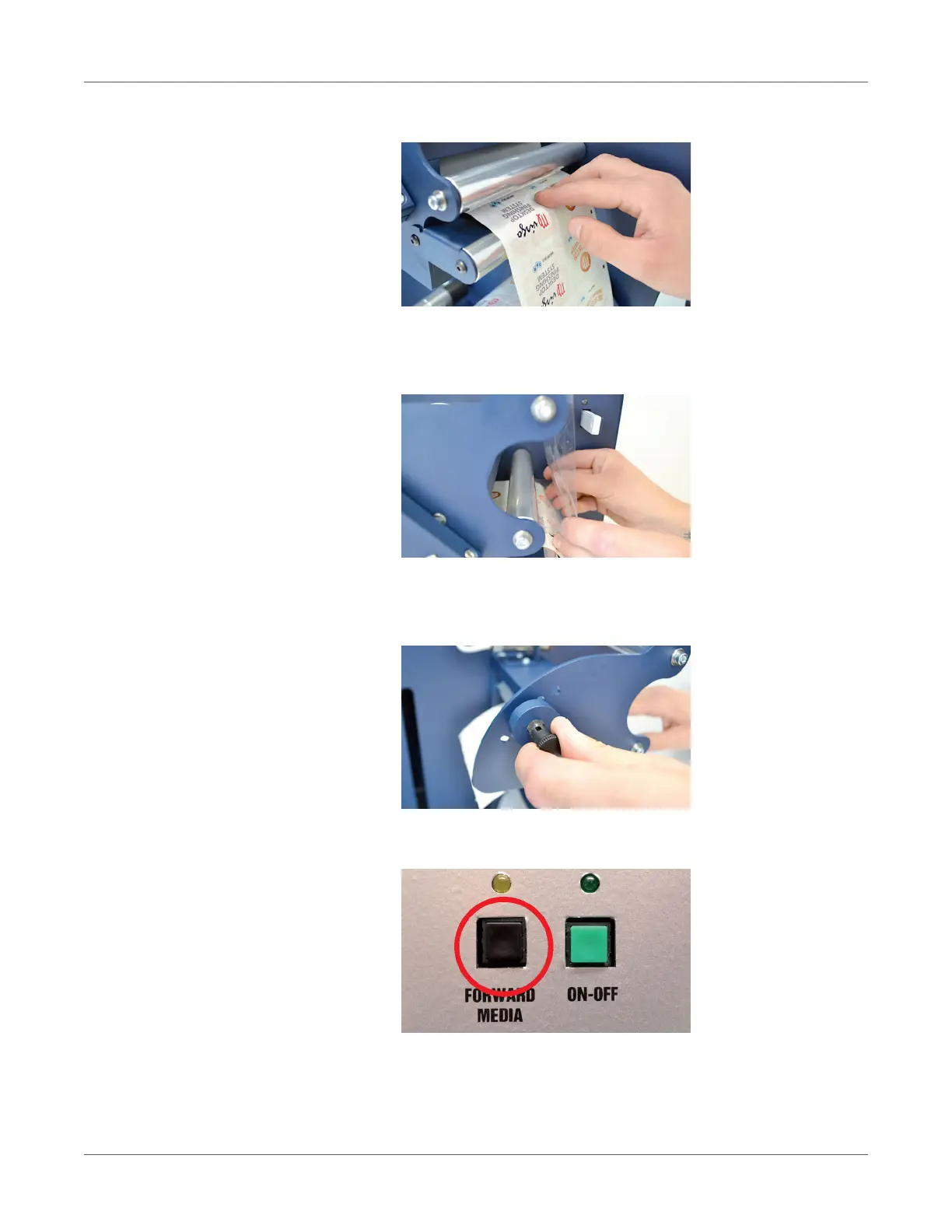
3. Load the media into the nip rollers.
4. Hold the laminating film with both hands, pull it underneath the guide roller, center it and
adhere the laminating film to the web.
For any doubt, please refer to the lamination and media path drawing.
5. While using the knob, please adjust the pressure on the rollers in order for the laminating
film to adhere to the media and avoid any possible air bubbles.
We recommend the middle hole position, as show in the picture.
6. When both LEDs are off, the manual media feeding is active. It operates keeping pushed
“Forward Media” button.
7. Push “On-Off” button to active the automatic media feeding mood. The green led will be
on.



 To Next Page