Operation
LF-100 User Guide 29
Tension Arm Calibration
Perform this procedure to set the unit to run properly with different label lengths.
1. Turn OFF the module.
2. Using a paper clip, keep pushed the button into the small hole while switch ON the
module. It beeps and the led turns on. Release the button.
3. Push again the button (the LEDs light up individually) until the desired option is selected:
• Light up the Green Led to allow labels up to 250mm (9.84”) long
• Light up the Yellow Led to allow labels over 250mm (9.84”) long
4. Turn off the unit to save the setting.
5. The tension arm has been set and ready to operate.
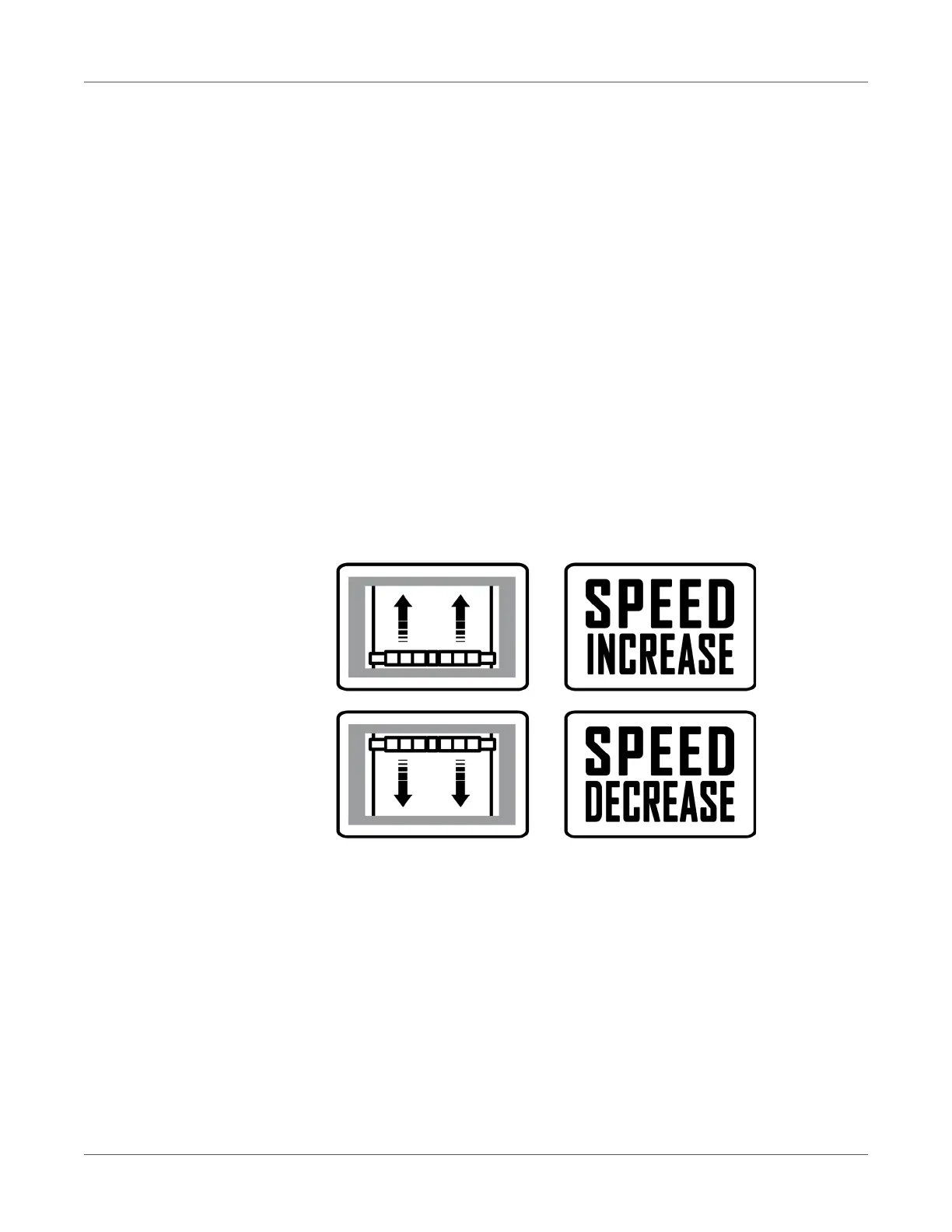
Note: When the tension arm reaches the lowest position, both LEDs light up while the cores
are still rotating. After five seconds of this condition, both cores stop while the LEDs are blinking.
Module Speed Rotation
Laminating & Unwinding Module



 To Next Page