11
Turning the System All On
Use this function to turn on the entire system. Once youve
pressed the 9 key, exit delay time starts to count down. You should
leave before exit delay time expires. Leaving after exit delay expires
causes an alarm event.
1. Make sure that all points are normal (not faulted). Press the
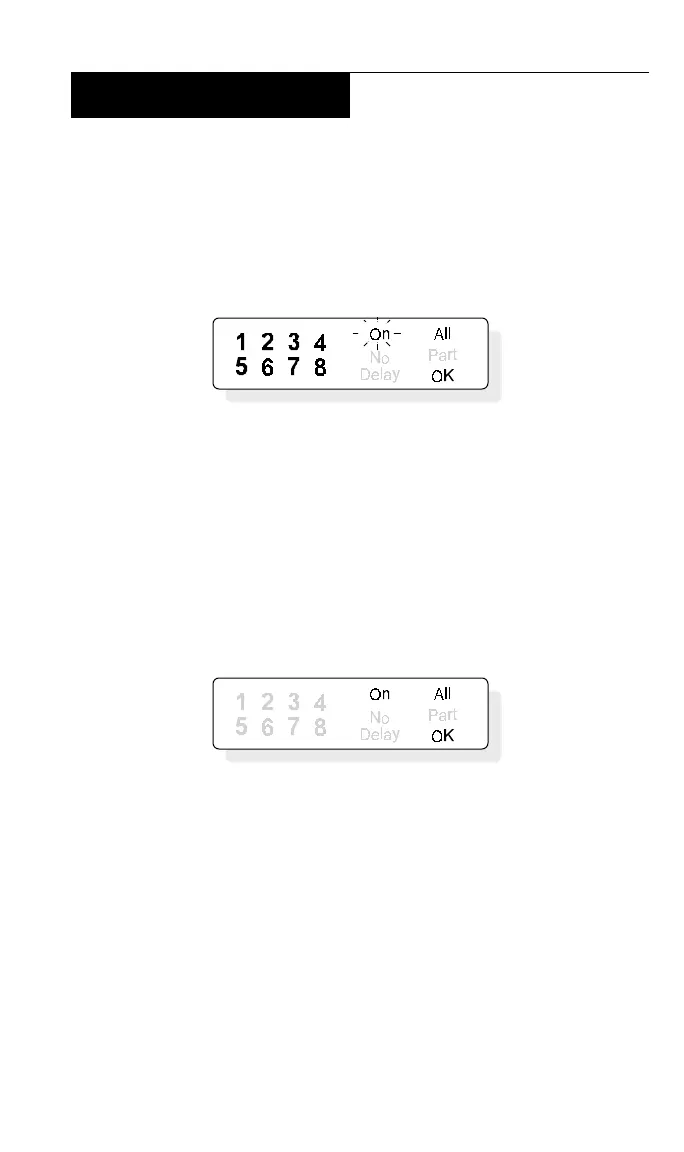
9 key. The display shows:
2. If all points are normal, exit delay time begins. You should
leave now. If your system has a faulted point, its point light winks.
You should return the point to normal, or refer to Bypassing Points,
page 15.
3. During exit delay, you may stop the system from turning on
by pressing CLEAR.
4. When exit delay time expires, the keypad beeps three times
and then the system turns on.
5. To turn the system off, enter your personal passcode.



 To Next Page