25
Show Passcode Types
❏ I have this feature.
❏ I do not have this feature.
❏ This feature requires a passcode.
Use this feature to find out which passcode type is currently
assigned to each of the users of your system. Passcode types are
shown on lights 1 - 8. User 1 is light 1 and so on. See Change
Passcode Type, page 27, for a description of passcode types.
1. Make sure that the system is turned off.
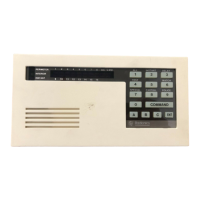
2. Press the 6 key. The point lights (1 to 8) come on, showing
the current passcode type for users 1 to 8.
3. Light status indicates passcode type:
Flash (fast blink) Owner Type
Wink (slow blink) User Type
On One-Time Type
Off Disabled passcodes and One-Time
passcodes that have been used once
to turn the system off.
4. Press CLEAR to return to the off display.



 To Next Page