Hardware Reference
34
Power management
ACPI power states
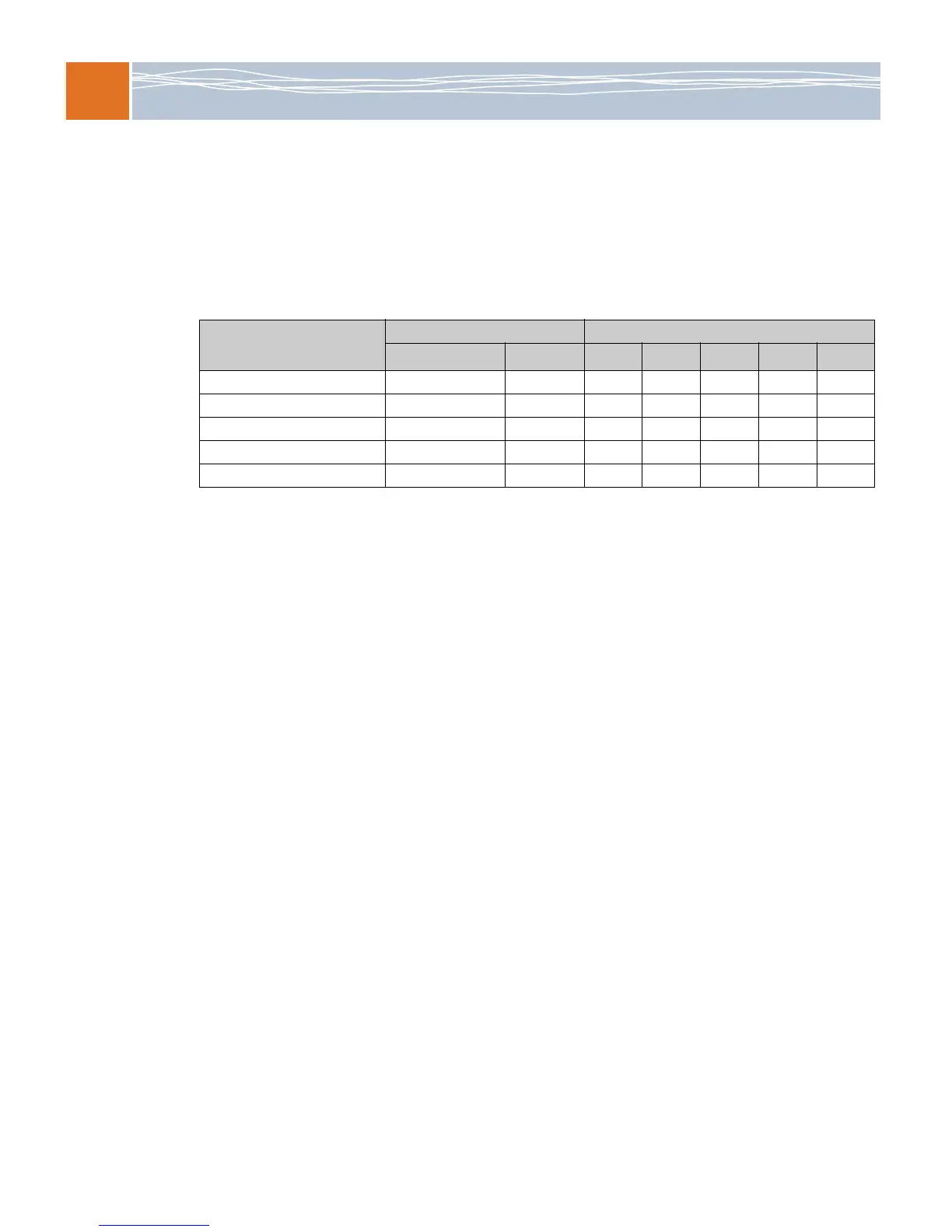
Table 22 shows the Advanced Configuration and Power Interface (ACPI) 3.0 power states that
the Q35 motherboards support.
For information about power consumption of major sources and power supply requirements,
see Electrical specifications on page 12.
ACPI wake-up
Q35 modules are capable of supporting these wake-up events from S3 and S5 sleep states by
configuring the BIOS setup utility:
Power button
Onboard LAN. To wake on LAN, make sure that the embedded Ethernet is enabled in the
BIOS setup utility and the Ethernet connection is available.
PS/2 mouse and keyboard
USB device wake up
Table 22. Supported ACPI power states
VCC state Supported ACPI states
12V/-12V/5V/3.3V 5V standby
G0/S0
1
1
G0/S0 — Fully operational; working
G1/S3
2
2
G1/S3 — Standby (Suspend to RAM). Main memory is still powered. This state allows the resumption of work
exactly where it was left at the start of standby.
G1/S4
3
3
G1/S4 — Non-volatile sleep (Suspend to disk). System context is saved to disk and power removed from all
circuits except those required to resume.
G2/S5
4
4
G2/S5 — Soft off. All devices are un-powered. Memory contents and context are lost.
G3
5
5
G3 — Mechanical off. System is un-powered with no standby rails. No wake-up is possible.
Full power On OnYes----
Standby Off On - Yes Yes Yes -
Power off Off Off - - - - Yes
Hard-switched power supply On N/A Yes - - - -
Hard-switched power supply Off N/A - - - - Yes



 To Next Page