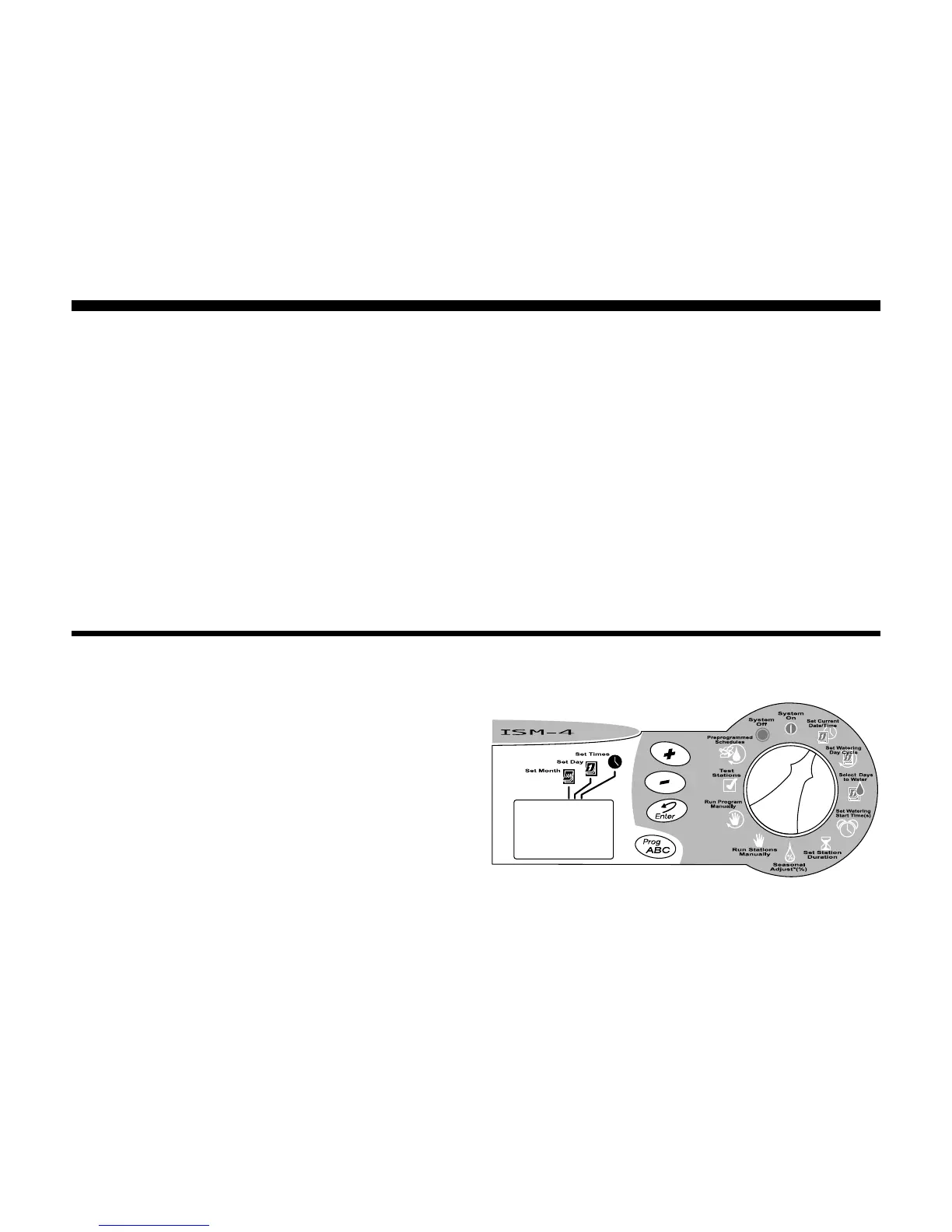
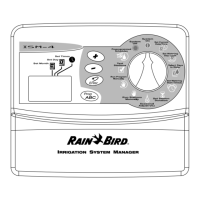
ISM Installation, Programming & Operation Guide
Page 15
Programming the Sprinkler Timer
Erase Any Existing Programming
Use the following procedure any time you
want to erase all programming in the timer’s
memory and “start from scratch”.
1. Unplug the transformer from the wall.
2. Disconnect the battery clip from the
battery.
3. Wait 10 seconds.
4. Reconnect the battery clip to the battery.
5. Plug the transformer back into the wall.
“AM 12:00” will appear in the display. All
previous programming is now erased, and
you may turn the Programming Dial to the
Set Current DATE/TIME position and begin
setting the Year, Month, Day, and Time.
Set Year
1. Turn the Programming Dial to Set Current
DATE/TIME position.
2. Press the (+) or (-) buttons to set the
current year.
3. Press Enter.






 To Next Page