ISM Installation, Programming & Operation Guide
Page 17
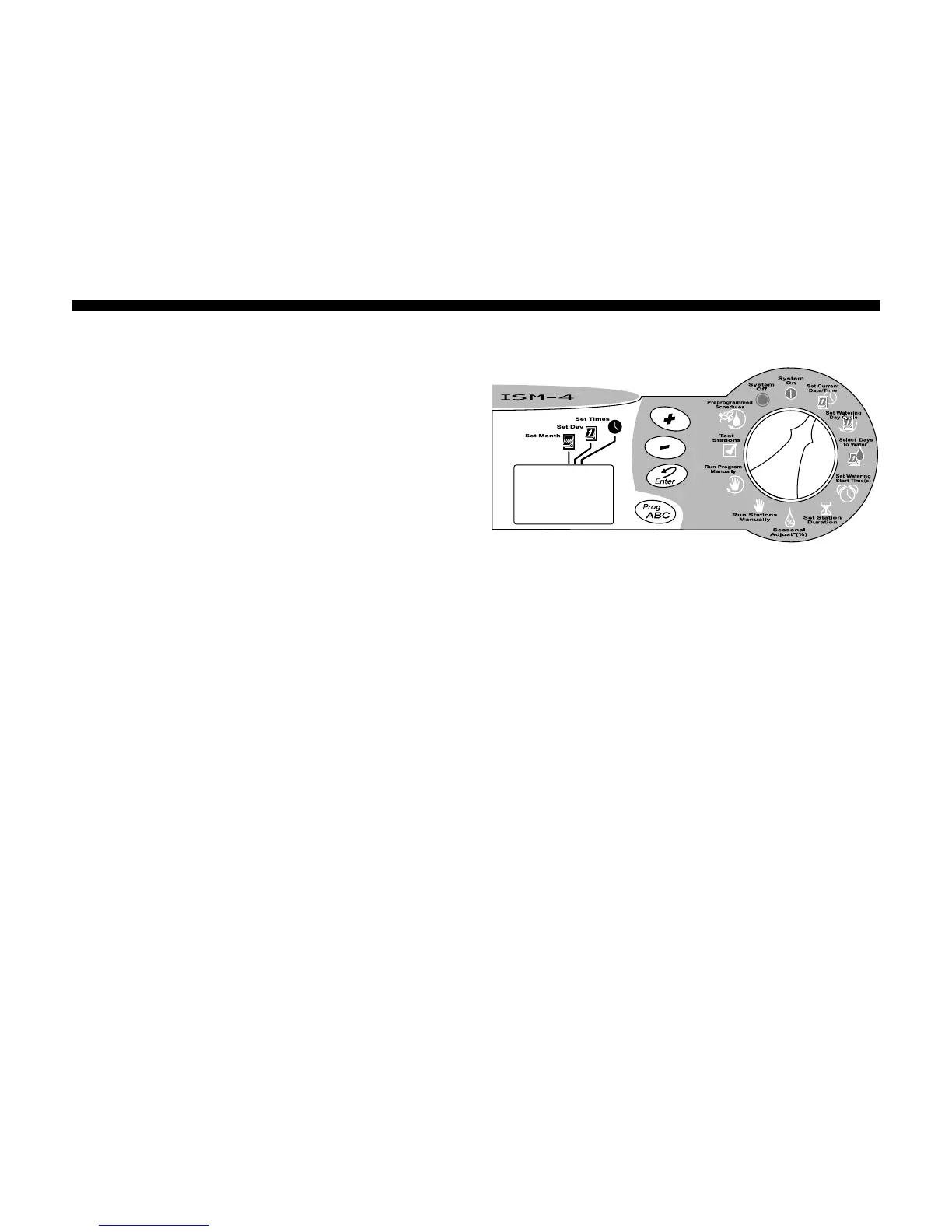
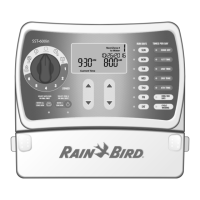
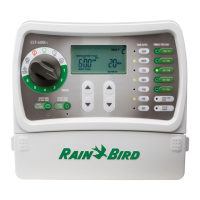
Set Time
1. After setting the correct month and date,
leave the Programming Dial on Set Current
DATE/TIME.
2. The time of day appears in the display. The
display will also show AM or PM (for
example, 12:01 AM).
A cursor will appear under the Set Times
icon.
3. Press the (+) or (-) buttons to set the
current hour (1 through 12 AM or PM).
4. Press Enter.
5. The minute digits begin flashing.
6. Press the (+) or (-) buttons to set the
current minute (1 through 59).
7. Press Enter. Turn the Programming Dial
back to the SYSTEM ON position.





 To Next Page