ISM Installation, Programming & Operation Guide
Page 16
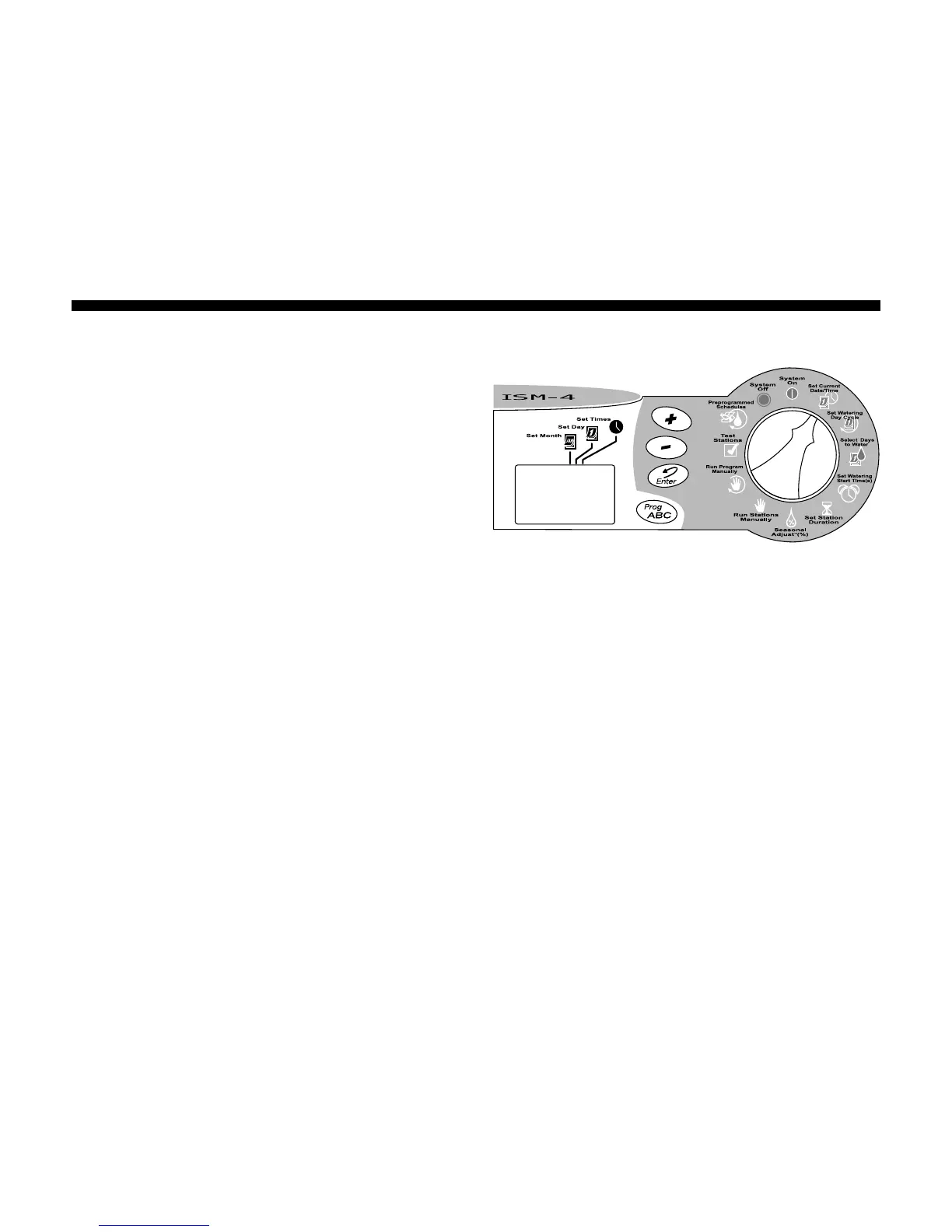
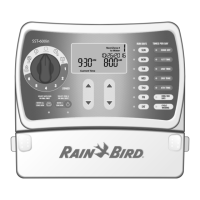
Set Month and Day
1. After setting the correct year, leave the
Programming Dial on Set Current DATE/
TIME.
2. The month and day appear as “01 01,”
with the first “01” flashing (representing the
month). A cursor will appear under the Set
Month icon.
3. Press the (+) or (-) buttons to set the
current month (1 through 12).
4. Press Enter.
5. The second “01” begins flashing
(representing the day of the month). A
cursor will appear under the Set Day icon.
6. Press the (+) or (-) buttons to set the
current day (1 through 31).
7. Press Enter.






 To Next Page