ISM Installation, Programming & Operation Guide
Page 22
2-, 3-, 4-, 5 or 6-Day
Watering Cycle
Use the procedure below if you selected a 2-,
3-, 4-, 5 or 6-day watering cycle.
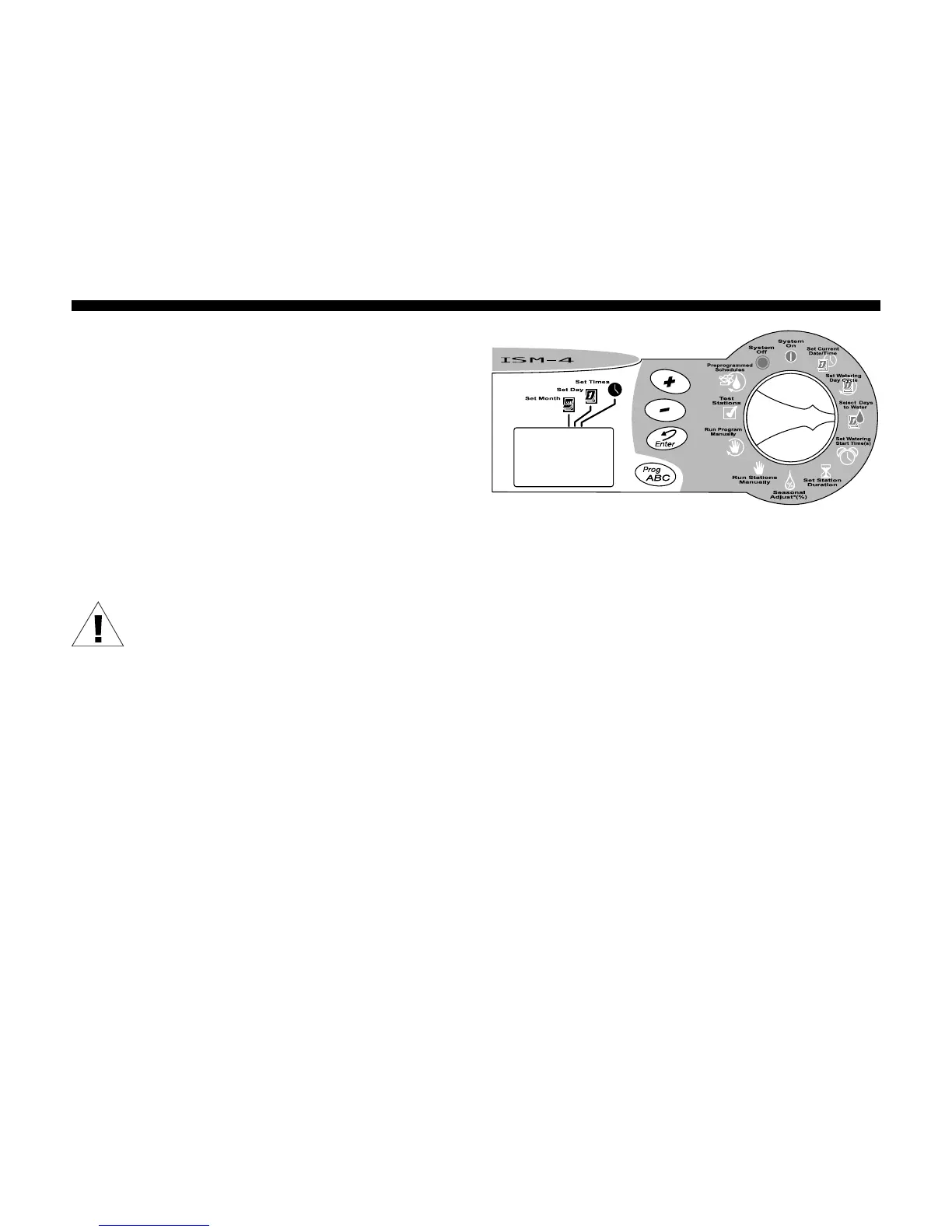
1. Turn the Programming Dial to SELECT DAYS
TO WATER .
2. If you selected a 2-, 3-, 4-, 5 or 6-day
watering cycle, the row of days in that
cycle appears in the display with a box
around day 1.
NOTE: The only watering day in a 2-,
3-, 4-, 5 or 6-day cycle is day 1.
3. The display shows the program’s letter (A,
B or C).
4. A flashing number appears in the display,
indicating where “today” is in the watering
cycle.
5. Press the (+) or (-) buttons to move
today’s position in the watering cycle.
You may now set program watering start
times as shown on page 23.








 To Next Page