ISM Installation, Programming & Operation Guide
Page 19
Select Program (A, B or C)
Program A is already programmed for your
convenience. You can also completely
customize your own watering schedules by
following the steps on page 20-25.
Programs B and C are not pre-programmed.
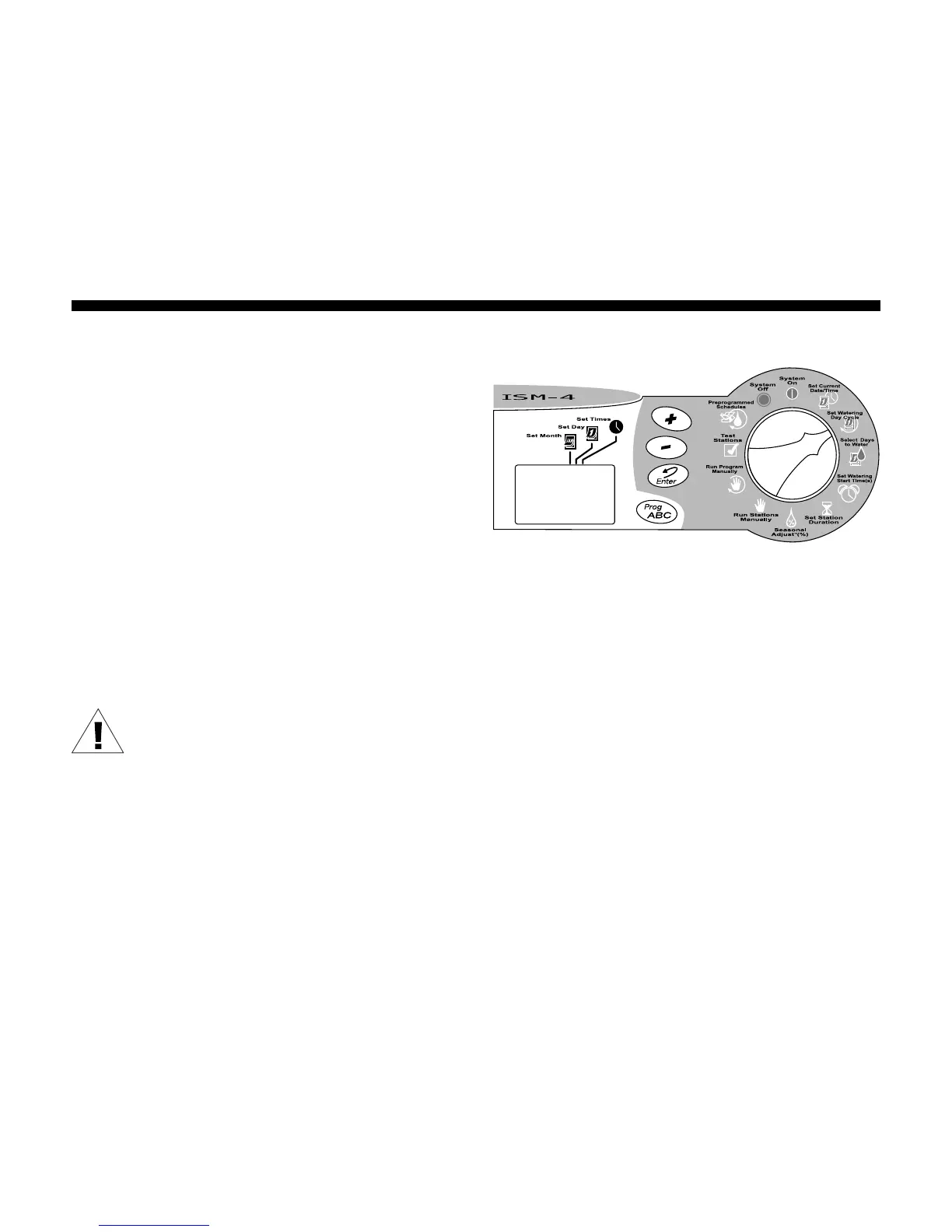
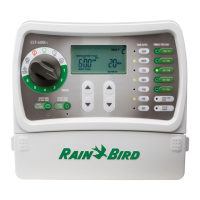
1. Turn the Programming Dial to SET
WATERING DAY CYCLE.
2. The letter of the currently selected
program (A, B or C) appears in the display.
3. Press the Prog ABC button until the desired
program (A, B or C) appears in the display.
Remember, if you plan to use only one
program, use program A.
NOTE: It is easier to select one
program (A, B or C) and program it
completely before moving on to the
next program. Switching from
program to program can be
confusing.









 To Next Page