ISM Installation, Programming & Operation Guide
Page 21
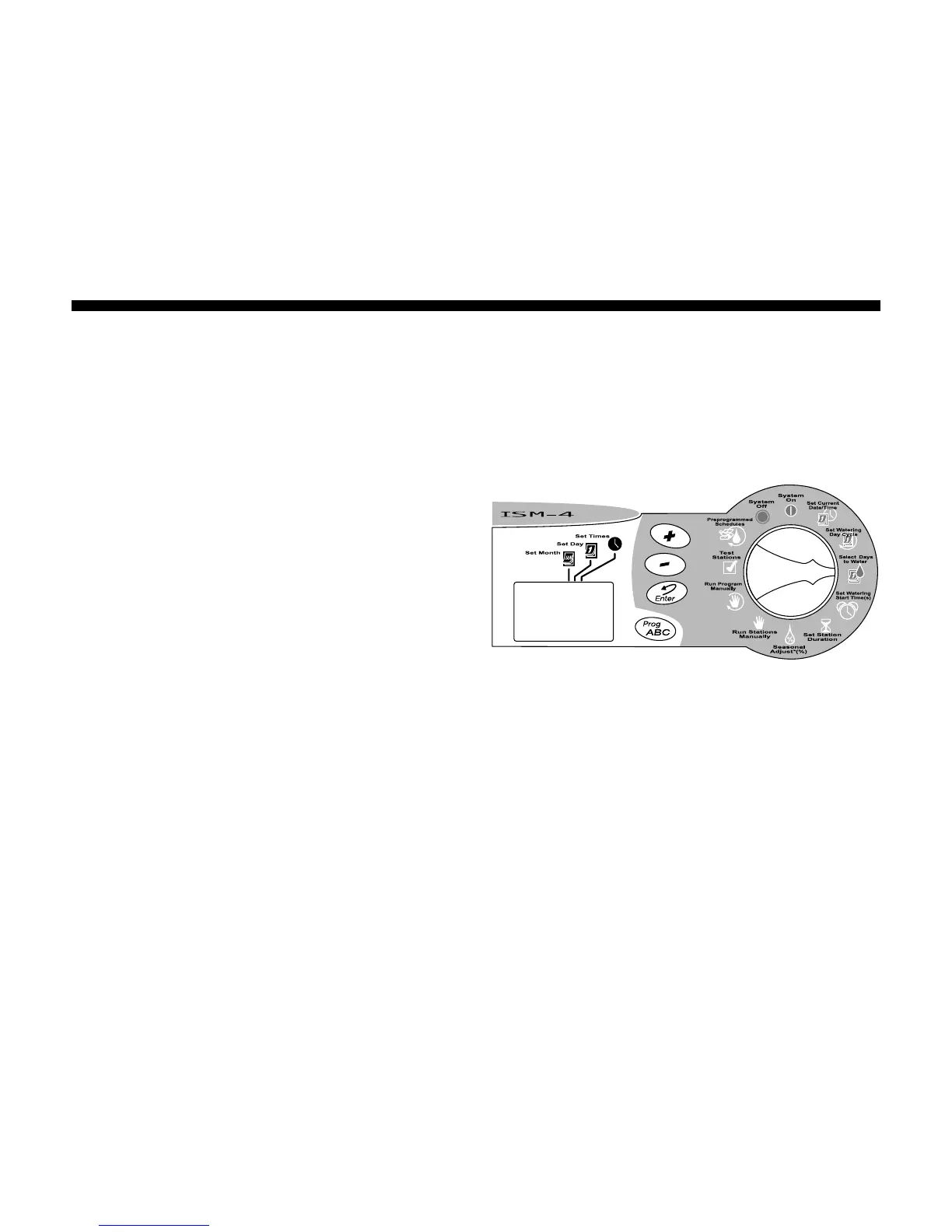
Select Days to Water
Use the procedure below to select the
watering days for a 7-day custom watering
cycle.
7-Day Watering Cycle
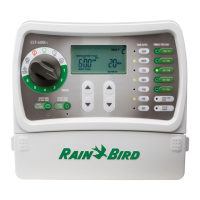
1. Turn the Programming Dial to SELECT DAYS
TO WATER.
2. If you selected a 7-day watering cycle, the
seven weekdays appear as a row of
numbers and the number “1” in the day
cycle flashes (day 1 is Monday, day 2 is
Tuesday, etc).
3. The display shows the program’s letter (A,
B or C).
4. A number appears, indicating the “today”
number (the day on which you are
programming the timer). The day’s
abbreviation also appears in the display.
5. Press the (+) or (-) buttons to turn a
particular watering day ON or OFF. An ON
day has a box around it. An OFF day has
no box around it.
6. Press Enter to move to the next day.
7. Repeat steps 5 through 7 for each day.
8. Proceed to set to SET WATERING START
TIME(S).









 To Next Page