ISM Installation, Programming & Operation Guide
Page 27
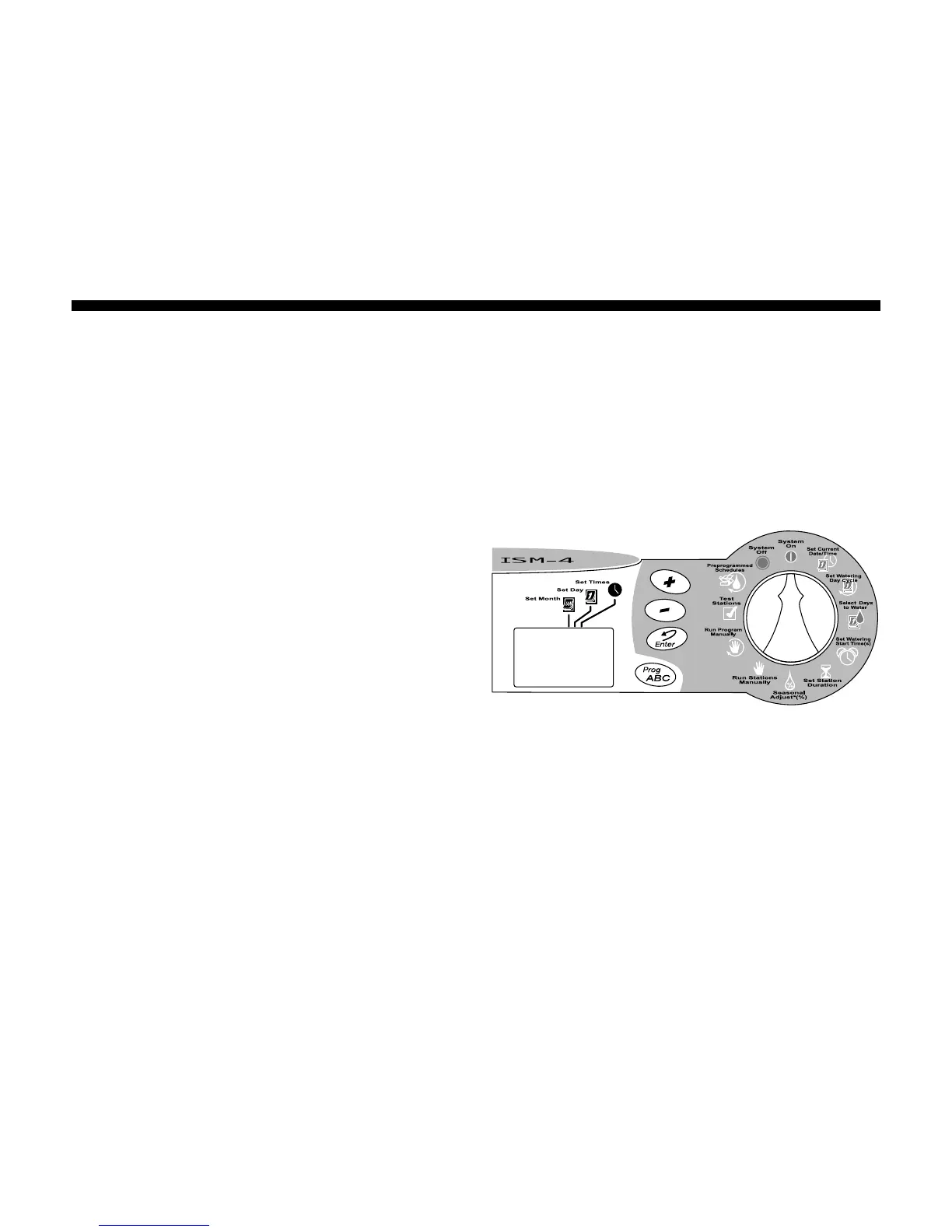
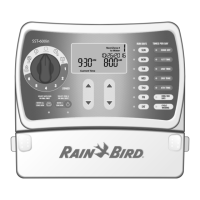
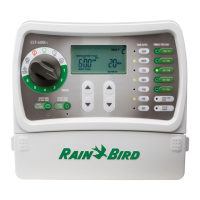
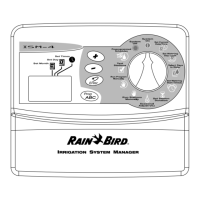
System On
1. To return the timer to automatic operation,
turn the Programming Dial to SYSTEM ON.
2. When the timer IS NOT watering, it
displays:
• Any program (A, B or C, or none)
scheduled to water today.
• The current time.
• %A %B %C, if there is a Seasonal
Adjust setting other than 100%.
3. When the timer IS watering, it displays:
• Any programs (A, B or C) scheduled to
run today.
• The station number currently running.
• The duration time remaining for that
station.
• %A %B %C, if there is a Seasonal
Adjust setting other than 100%.
4. If a problem or short is detected in any of
the stations, the display toggles every 3
seconds and shows an error message "Err
#", # being the station where the problem
was detected. For example, if the master
valve has a problem, it shows "Err M". For
station 3 - "Err 3". The station is
automatically ignored until the cause of
error is corrected. Refer to the Trouble-
shooting section of this manual for more
information.





 To Next Page