Manual Water All
This option can be used to water all zones
consectutively instead of waiting for the
programmed schedule:
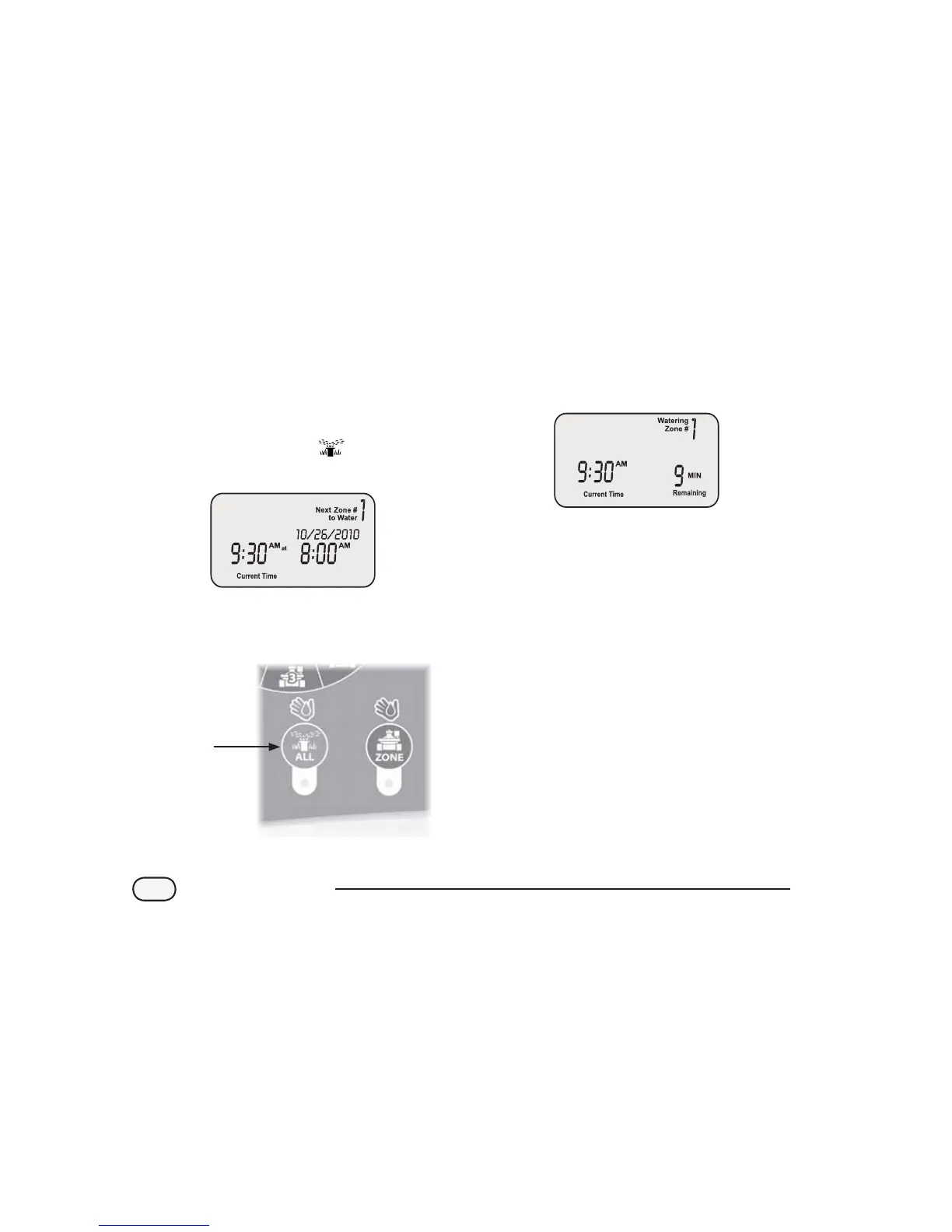
Turn the dial to AUTO
The AUTO screen appears.
Press the ALL button to start watering. The
rst zone will start watering for its currently
programmed run time.
ALL
Button
The display will show the current watering
zone and the time remaining. When the
current zone completes watering, the next
zone will begin.
To end irrigation on the current zone before
it is complete and advance to the next zone,
press the ALL button.
To stop watering before the time is up, turn
the dial to OFF.
NOTE: This function will not aect the
normal watering schedule.
10
STP Plus Controller



 To Next Page