Adjust Water
This option can be used to make run time
adjustments that account for seasonal
weather variation, without changing the
initial zone settings:
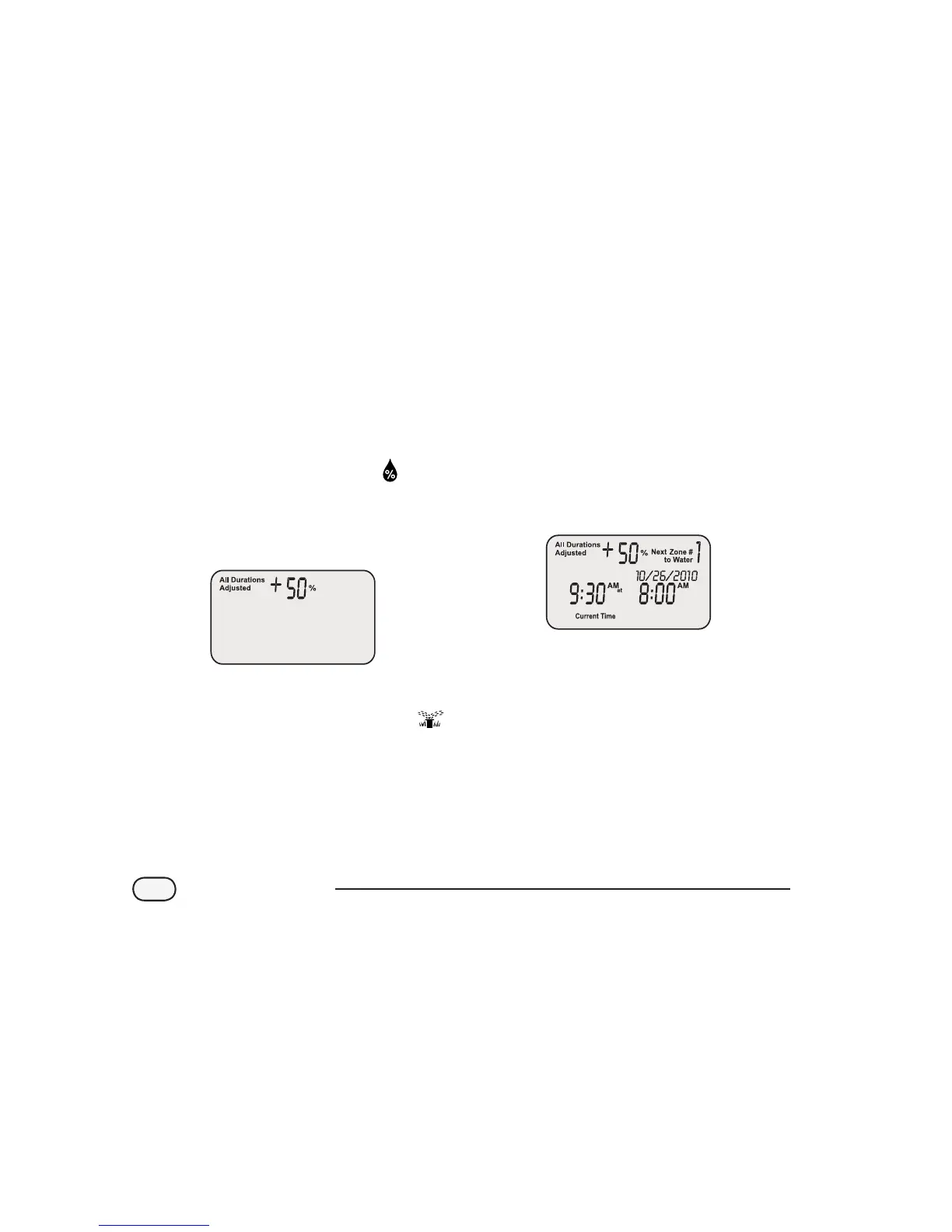
Turn the dial to ADJUST WATER
The Adjust Water screen appears. Use
the left UP/DOWN arrows to adjust the
percentage increase or decrease to all zone
run time settings.
When nished, turn the dial to AUTO
NOTE: If a zone is scheduled to water for
10 minutes and you set ADJUST WATER
to +50%, then the zone run time will be
increased to 15 minutes. Scheduled start
times will not be aected.
It is important to note that the baseline
schedule is set at 0% and not 100%.
When an ADJUST WATER value is entered,
the percentage is displayed on the AUTO
screen.
12
STP Plus Controller


 To Next Page