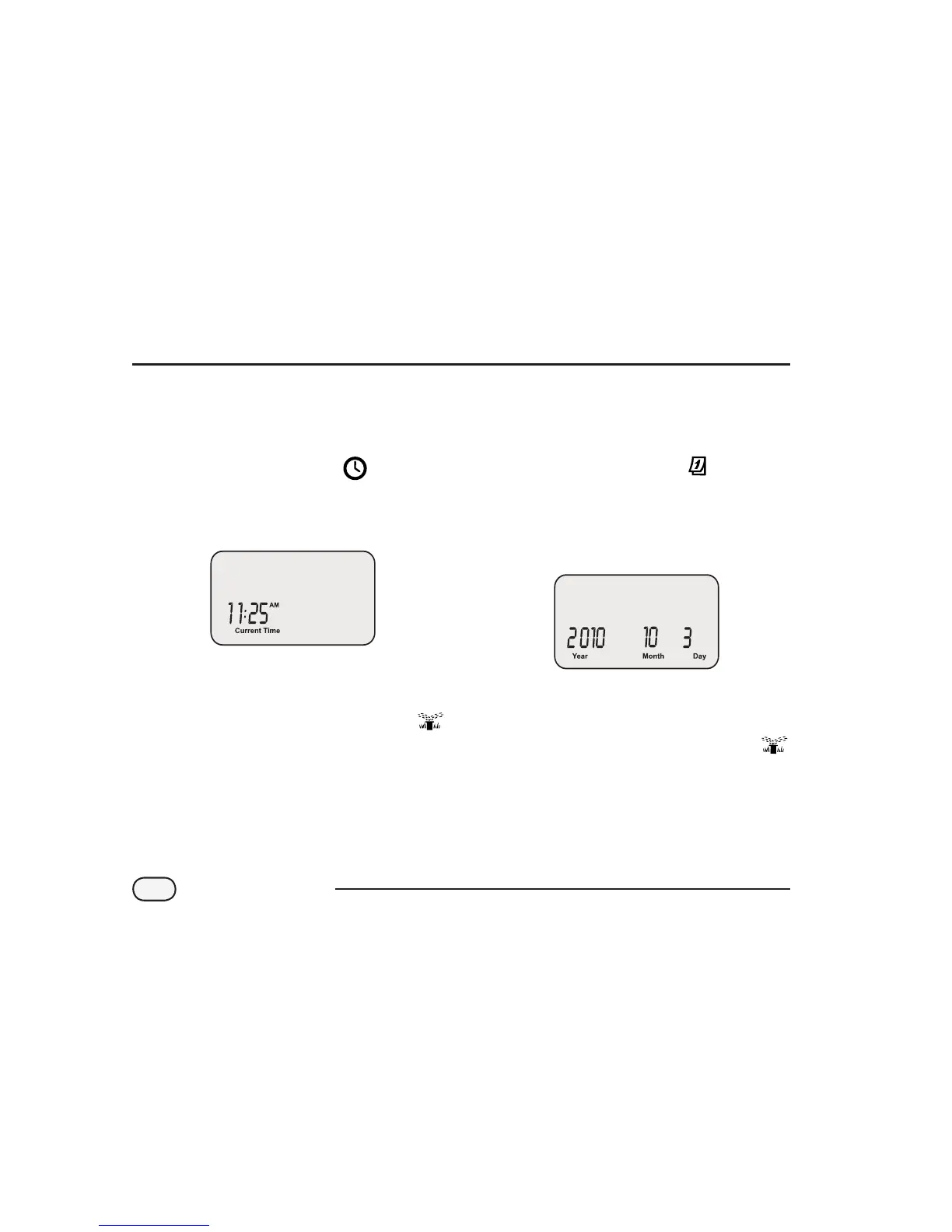
Set Clock
To input the correct time into the Controller,
follow these steps:
Turn the dial to SET TIME
The Current Time screen appears. Use the
left UP/DOWN arrows to adjust the time.
(Verify that the AM/PM setting is correct.)
NOTE: Press and hold the UP/DOWN arrow
to accelerate settings.
When nished, turn the dial to AUTO
Programming
Set Date
To input the correct date into the Controller,
follow these steps:
Turn the dial to SET DATE
The Current Date screen appears. Use the
left UP/DOWN arrows to adjust the year.
Use the right UP/DOWN arrows to adjust the
month and day.
NOTE: Press and hold the UP/DOWN arrow
to accelerate settings.
When nished, turn the dial to AUTO
6
STP Plus Controller


 To Next Page