watch the video at raindrip.com/smart
8
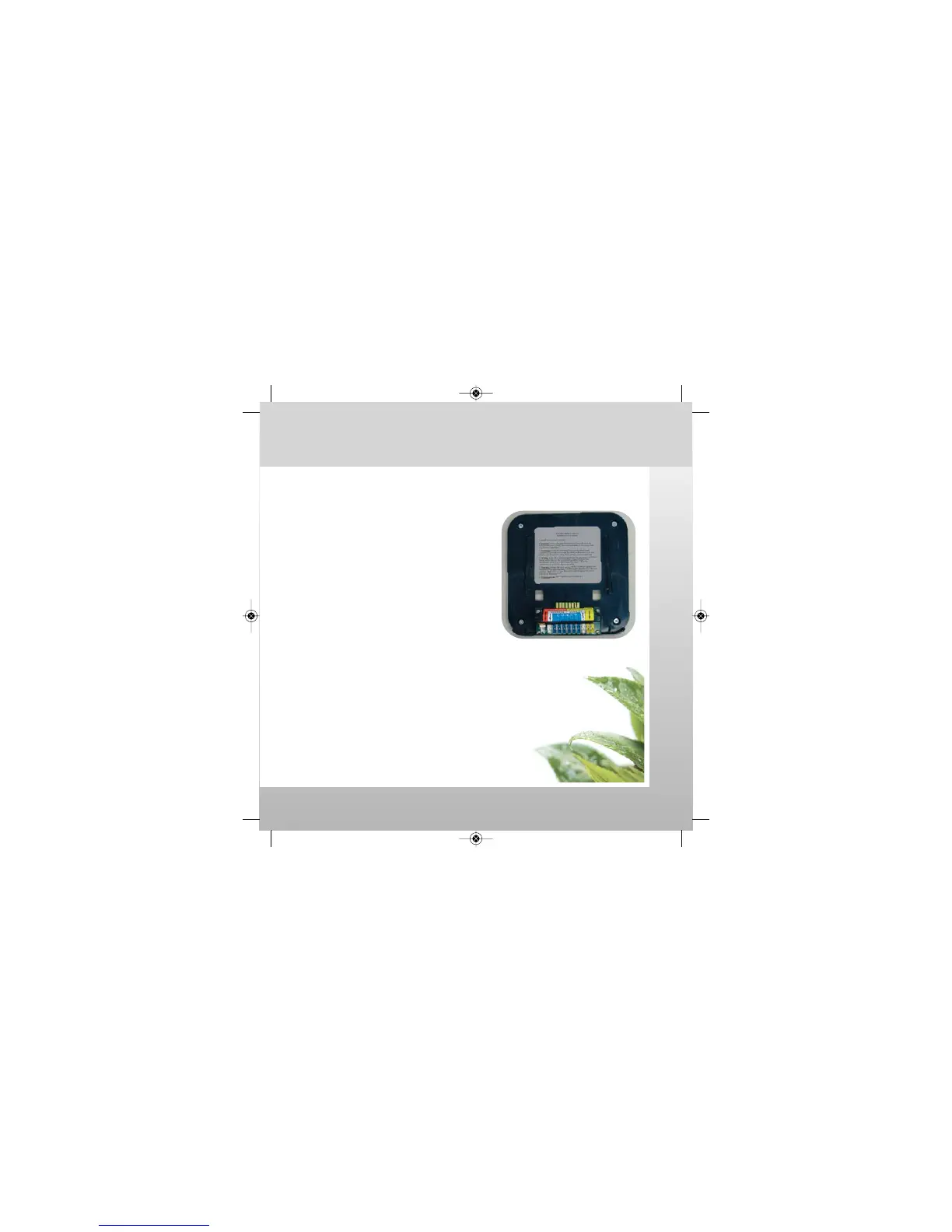
Docking Station Installation - Indoors Only
For new installations
• Locate near sprinkler wires from
irrigation system valve solenoids.
• Locate within 48" of a 110 volt AC outlet.
Mount the docking station
• Undock and set the controller aside.
• At the selected location, hold
the docking station on the wall.
• Using the docking station as a template,
mark the four screw locations on the wall.
• If drywall anchors are needed, drill a 1/4"
hole in the wall at each marked location.
• Insert a drywall anchor in each hole so that
it is flush with the wall surface.
• Position the docking station over the anchors.
• Insert and tighten one #8 X 1
1
⁄4" screw in
each of the four holes. Do not overtighten screws.
Installation: Mount Docking Station
Installation & Programming
SmrtCntrl_InstlltnPrgrmng_Bklt 3/31/09 4:56 PM Page 8


 To Next Page