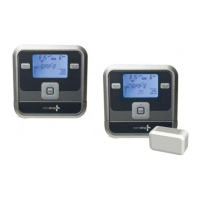
Initiate Manual Watering.
Water Now
watch the video at raindrip.com/smart
Installation & Programming
18
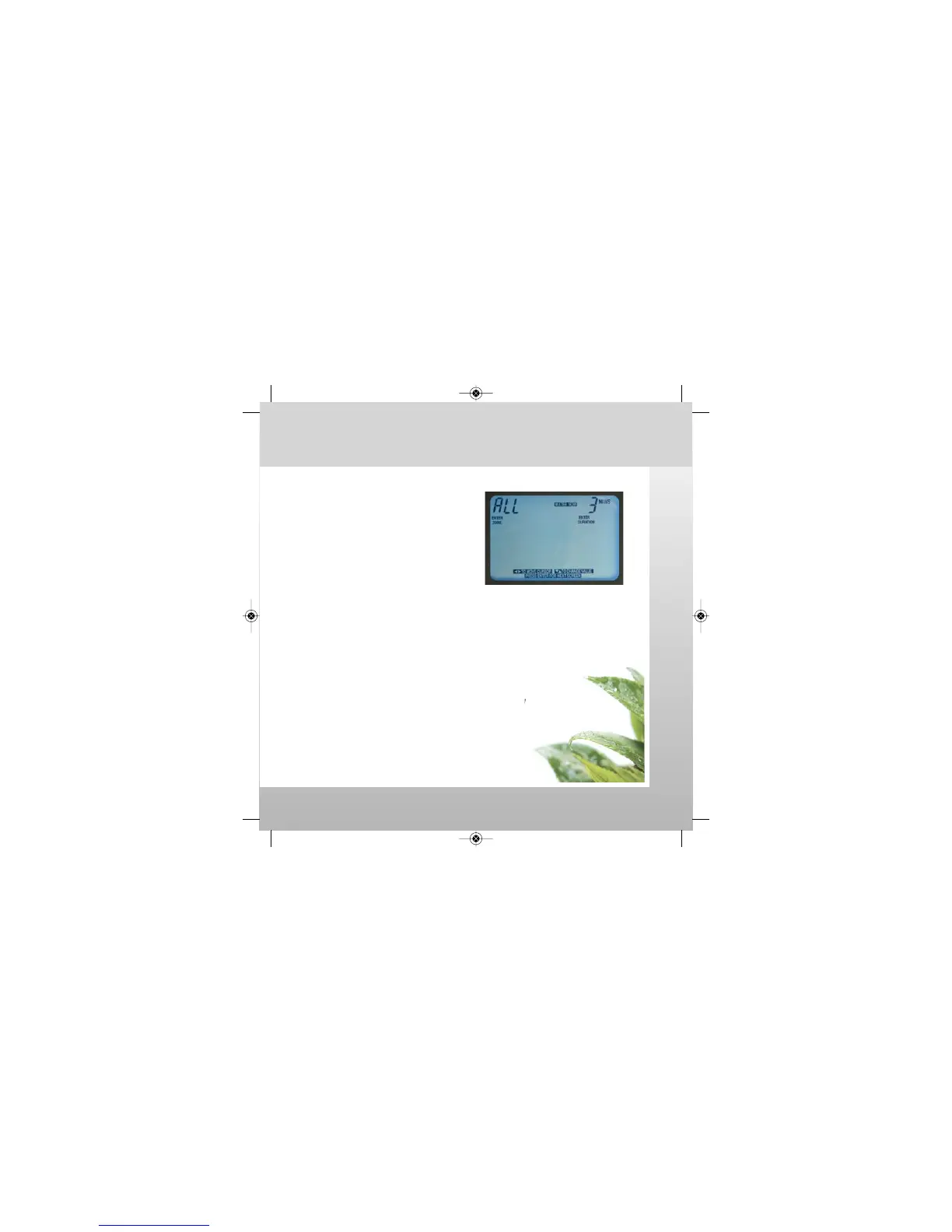
1. Press WATER NOW button.
2. Select a specific ZONE (1-6).
If ALL is selected, all zones will
water sequentially.
3. Input DURATION (1-99 minutes).
4. Press ENTER to start manual
watering cycle.
WATER NOW programming is now complete.
WATER NOW Notes:
• To stop a manual watering cycle, press the WATER NOW button again.
• After a manual watering cycle is complete, the controller
will return to the previous operating mode (ON, SKIP, or OFF).
-The operating mode can be changed during a manual
watering cycle by pressing the AUTO RUN button.
-Pressing AUTO RUN, SETTINGS or EDIT SCHEDULE
button will not stop a manual watering cycle.
• WATER NOW manual watering cycles are not included in
TODAY or YTD water savings calculations.
SmrtCntrl_InstlltnPrgrmng_Bklt 3/31/09 4:57 PM Page 18


 To Next Page