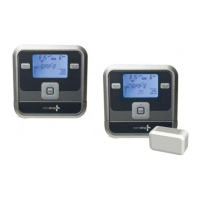
watch the video at raindrip.com/smart
Installation & Programming
9
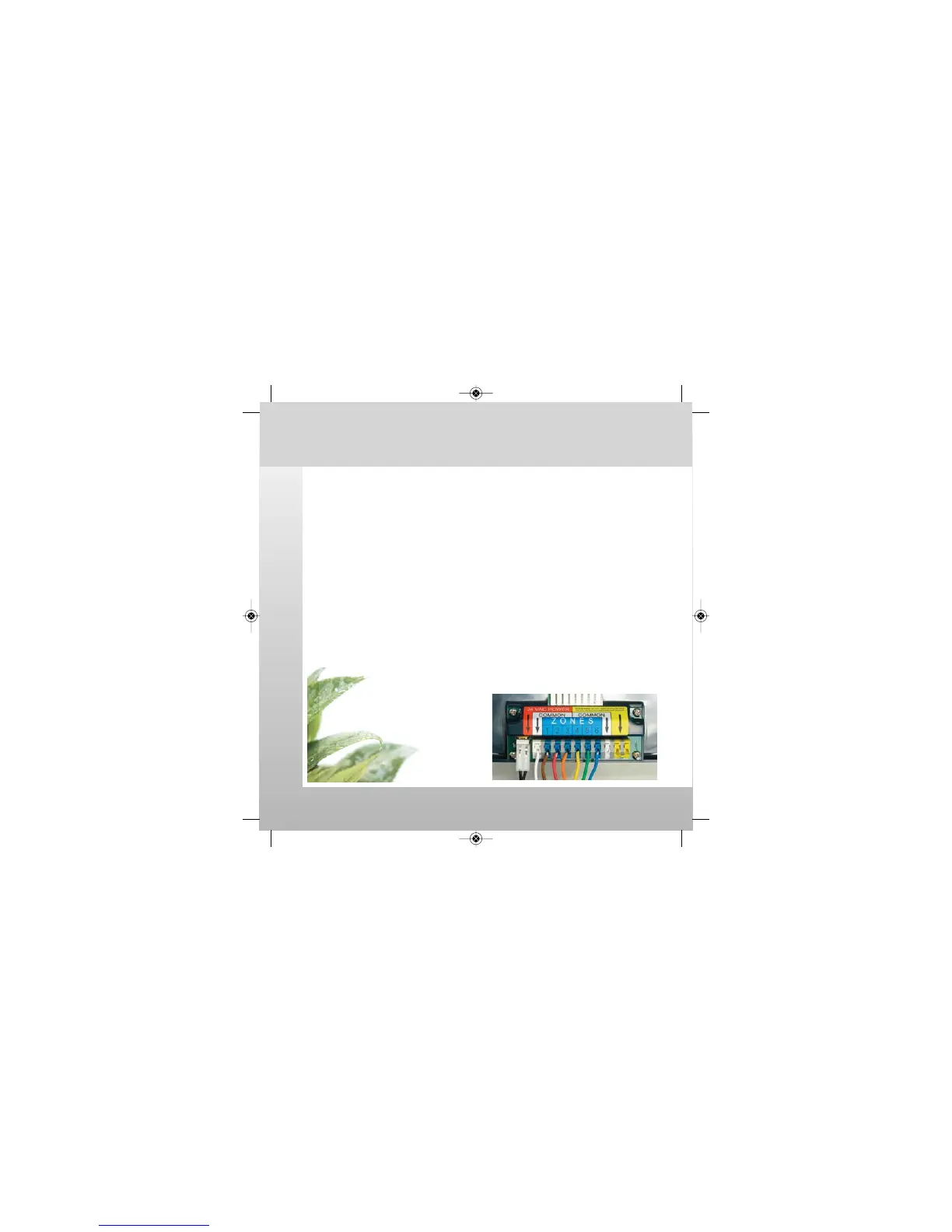
Wiring the Docking Station
These instructions assume your irrigation system is properly installed and
the valve solenoid wires are available at the controller mounting location.
CAUTION: Do not connect more than one wire to each
terminal. Damage to the controller will occur.
Common Wire Connections
• Insert the common wire from the solenoids to a "COMMON"
terminal (white) at the bottom of the docking station.
Zone Wire Connections
• Insert one control wire from a specific solenoid (zone 1) to a
corresponding "ZONES" terminal (blue 1) at the bottom of the
docking station. Repeat for each zone solenoid.
• Check wires to ensure they
are fully seated and secure.
• Plug A/C Power Suppy
connector to the "24 VAC
POWER" terminal (red), then
plug the Power Supply into a
110 volt outlet.
Installation: Wiring
SmrtCntrl_InstlltnPrgrmng_Bklt 3/31/09 4:56 PM Page 9


 To Next Page