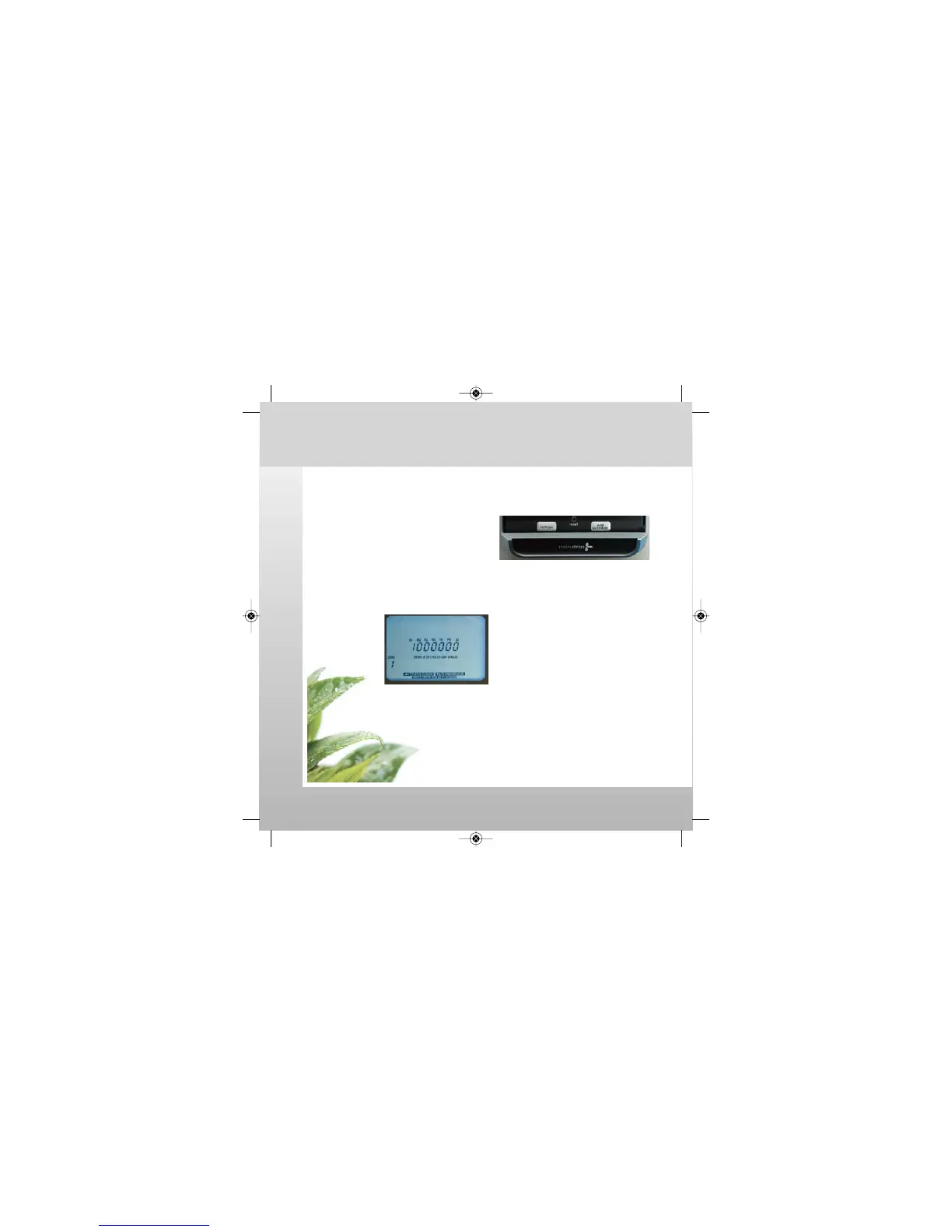
Remove Cover
View or change WATERING DAYS option.
Programming: Edit Schedule
watch the video at raindrip.com/smart
Installation & Programming
13
1. Use Programming Aid to facilitate
watering schedule programming
(pages 25 thru 30)
2. Press EDIT SCHEDULE button
3. Adjust number of watering CYCLES
for each day.
4. After CYCLES have been set for all
days, then press ENTER.
5. Repeat for all ZONES.
(continued)
Option 1: WATER ON SPECIFIC DAYS OF WEEK
SmrtCntrl_InstlltnPrgrmng_Bklt 3/31/09 4:57 PM Page 13



 To Next Page