Programming: Settings
watch the video at raindrip.com/smart
Installation & Programming
12
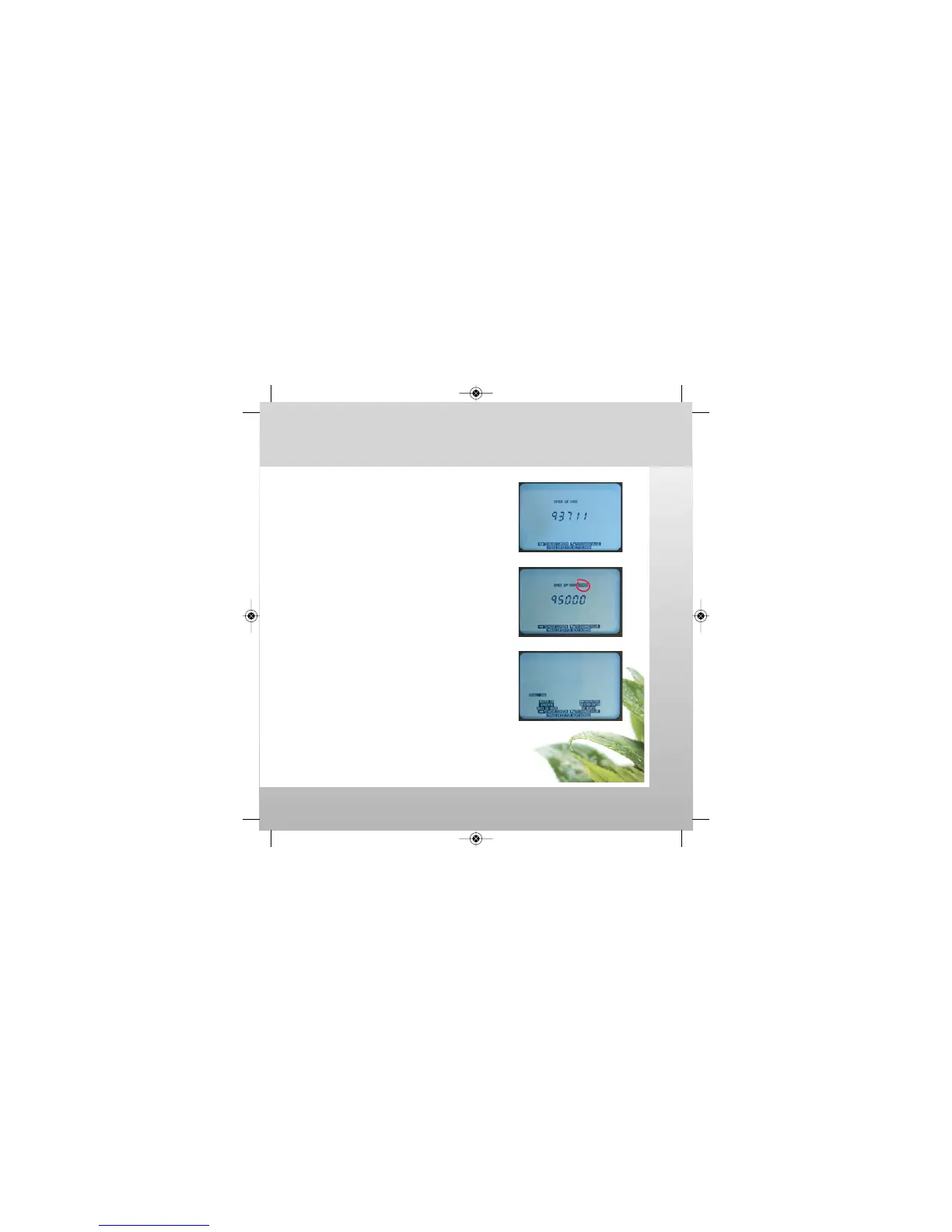
4. Adjust your local ZIP CODE.
Press ENTER.
• If ENTER ZIP CODE ERROR is displayed;
the zip code is not recognized.
-Check the entered zip code number.
-Use a neighboring zip code if necessary.
5. Select WATERING DAYS option.
Press ENTER.
-Option 1: (see page 13)
“WATER ON SPECIFIC DAYS OF WEEK”
-Option 2: (see page 14)
“WATER ON ODD OR EVEN DATES OF MONTH”
SETTINGS are now complete.
Note: To operate the controller
as a conventional (non-smart)
timer, see page 19.
SmrtCntrl_InstlltnPrgrmng_Bklt 3/31/09 4:57 PM Page 12


 To Next Page