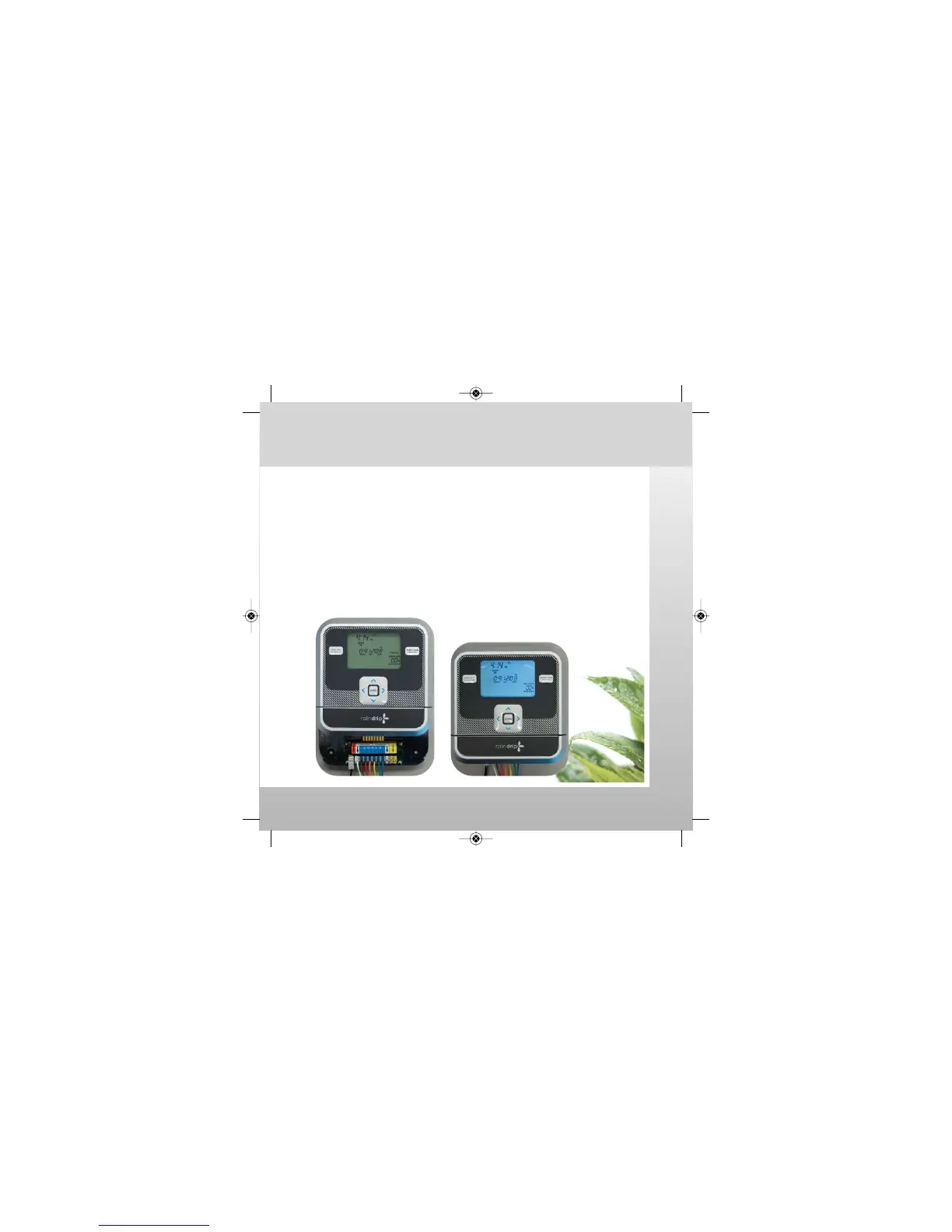
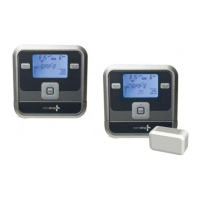
Docking the Controller
• Remove display protective film.
• Install AA batteries in the back of the controller.
• Place the back of the controller against the docking station
• Slide the controller downward until it is firmly seated at the
bottom of the docking station.
• Confirm UNDOCKED indicator is turned off.
The controller is ready for programming and operation.
Installation: Dock Controller
watch the video at raindrip.com/smart
Installation & Programming
10
SmrtCntrl_InstlltnPrgrmng_Bklt 3/31/09 4:57 PM Page 10


 To Next Page