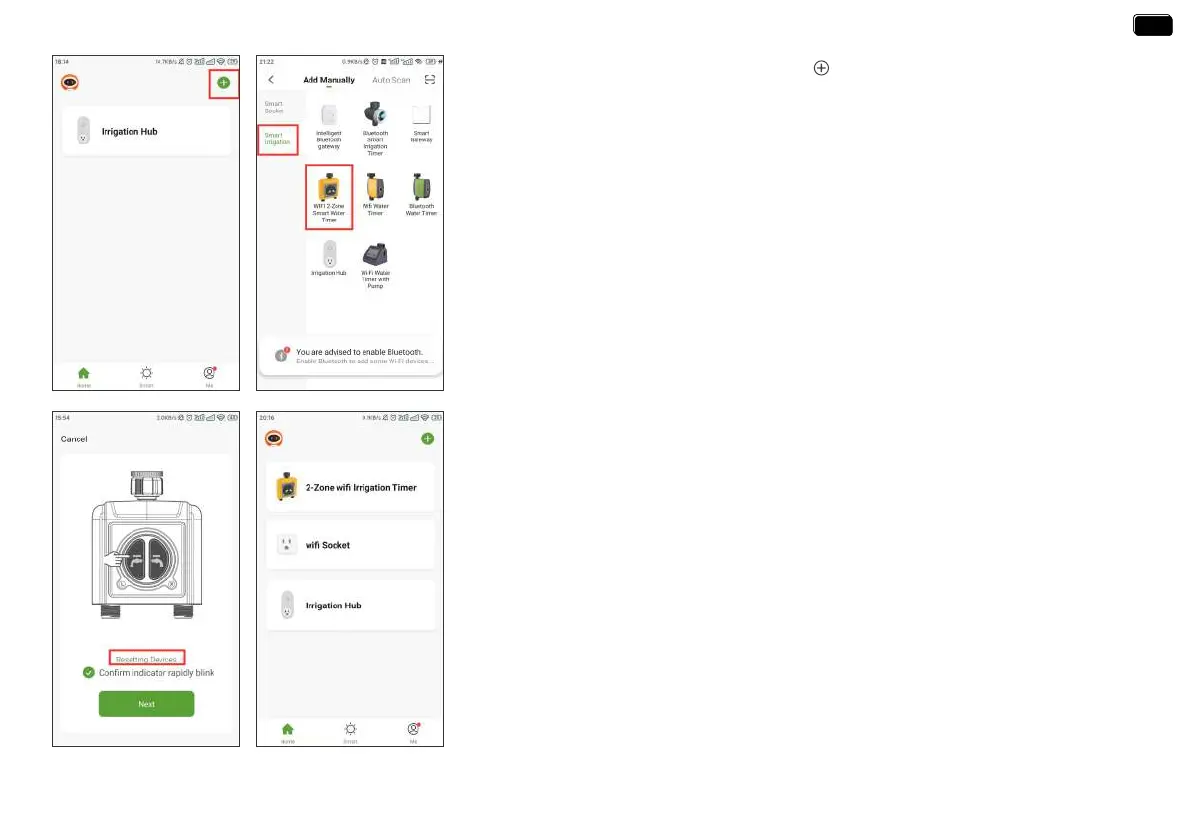
If the indicators don’t blink rapidly (2 times per second), please swipe the page and tap
“Resetting Devices” and follow the prompts (Or refer to the “RESET THE DEVICE” section
of this manual) to reset the WiFi timer and make the timer indicators blink rapidly.
4. Press and hold the left button on the timer until the left and right indicators blink
rapidly at the same time (2 times per second). Then select "conrm indicator rapidly
blink" and tap Next. The APP will search and pair your WiFi timer automatically.
5. After the connection is successful, the color icons of WiFi timer and WiFi socket will be
displayed on the APP home screen.
Note:
Tips:
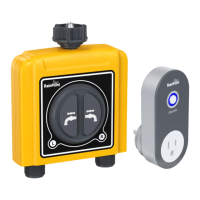
If necessa, three additional WiFi timers can be added to the RainPoint APP through a
WiFi hub. A separate WiFi timer is available on Amazon.
2. Return to the APP home screen, and tap “ ” to add the WiFi timer.
3. Tap “Sma Irrigation” and “Add Manually”, then select “WIFI 2-Zone Sma Water
Timer”.
- 11 -
EN
EN


 To Next Page