V4.1.0R
11
5.1.Set a new password for the Gateway
The default password is “raspberry”, which is the same for all Raspberry Pi
devices, so it is considered a good practice to change it.
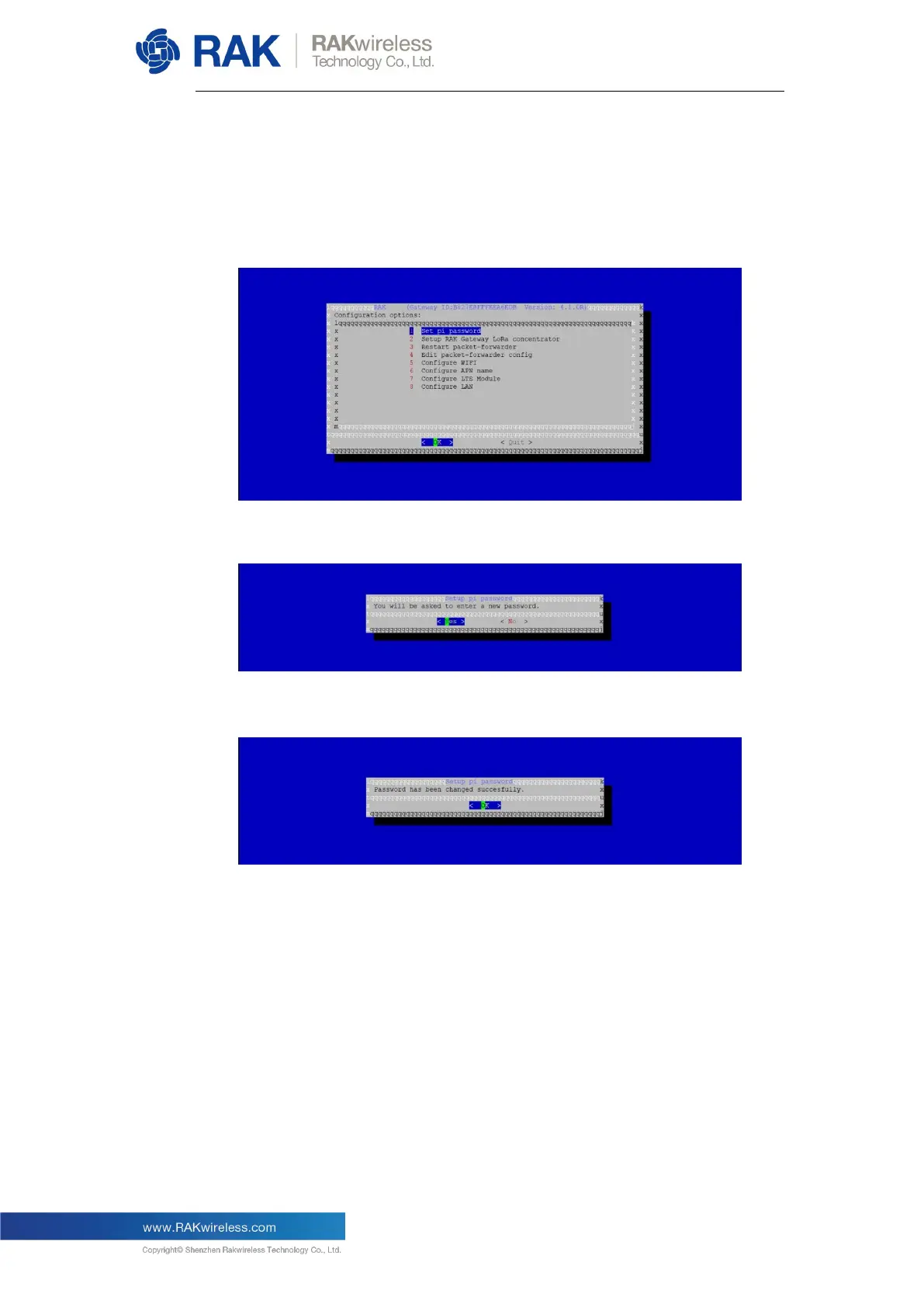
So, choose “1 Set pi password” as in the picture below:
After pressing “Yes” you need to enter a new password twice:
The figure below indicates that the change has been successful.


 To Next Page