EasyManua.ls Logo

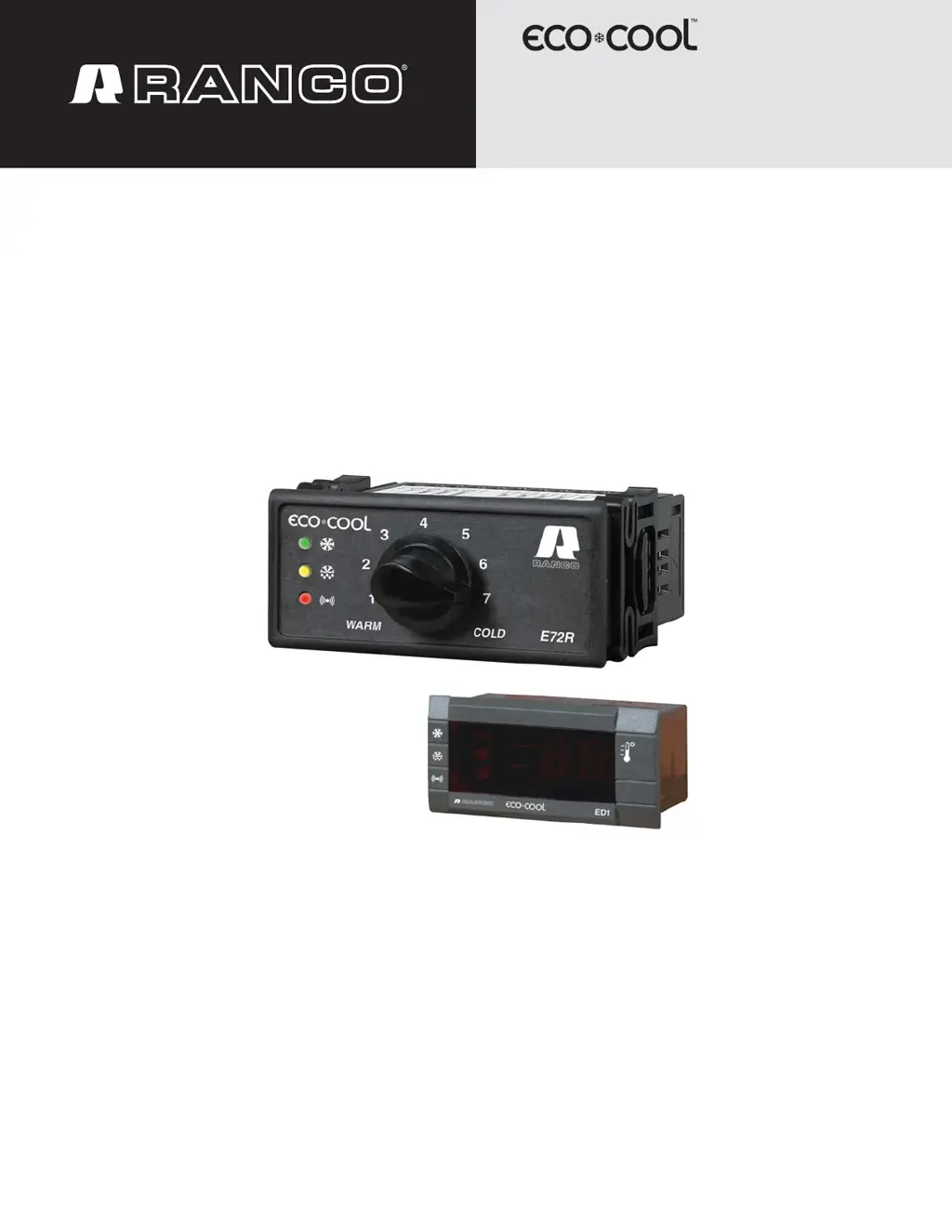
Ranco EcoCool E72R - User Manual

Default Icon
32 pages
Print Icon
To Next Page IconTo Next Page
Loading...
1
Type E7 EcoCool™ Electronic Temperature and Defrost Controllers
©2008 Invensys Controls All rights reserved.
DRAFT VERSION
354-00027-001 Rev. D
Temperature and
Defrost Controller
Type E7
EcoCool
Controller and Configuration Software
Installation and Configuration

Table of Contents

Questions and Answers

Summary

Installation Guide

Functions and Features of EcoCool Controllers

5.1.4 Defrost Control

Explains the defrost functionality, including timing, initiation, and termination methods.

Temperature Initiated Defrost

Explains how defrost can be initiated by sensing a difference between control and evaporator temperatures.

5.1.5 Alarms

Covers how the controller indicates faults and temperature alarms via LEDs and display.

5.1.5.2 Faults

Explains sensor circuit failures (open/short) and how the controller indicates them with LEDs and display codes like E1/E2.

5.1.7 Sensor Failure Mode

Outlines the controller's response to sensor failures, including alarm indications and compressor duty cycle configurations.

Device and Software Configuration

6.1.2 Connect the Interface Box to the Computer and E71 R or E72 R Controller

Provides instructions for connecting the interface box to both the computer and the controller.

6.2.5 Tabbed Configuration Parameters

Introduces the eight tabs within the software used for parameter configuration.

6.2.5.1 Configuration

Details the parameters available on the Configuration tab, including units, defrost methods, and sensor settings.

6.2.5.2 Setpoints

Explains how to set compressor cut-in and cut-out temperatures for warm and cold positions using the Setpoints tab.

6.2.5.3 Defrost

Covers the Defrost tab settings for controlling defrost timing, termination, and cycle initiation.

6.2.5.4 Alarm

Describes the Alarm tab settings for configuring temperature alarms, differentials, and delay timers.

6.2.5.5 Compressor

Details the Compressor tab settings for protecting the compressor with minimum on/off time delays.

6.2.5.6 Fault

Explains the Fault tab settings for defining the controller's response to sensor failures, including duty cycle options.

6.2.7 Transferring Configuration Files

Details the process of transferring configuration files between the controller, computer, and copy card.

6.2.8 Transferring Firmware

Explains how to transfer controller firmware using the software or a copy card.

6.3.4 Installing Firmware or a Configuration File into a Controller from a Copy Card

Describes how to install firmware or configuration files onto a controller using a copy card.

Troubleshooting

Technical Specifications

Ranco EcoCool E72R Specifications

General IconGeneral
BrandRanco
ModelEcoCool E72R
CategoryController
LanguageEnglish

Related product manuals