27
6.3.2 Downloading a configuration from EcoCool configuration software into a copy card
Open a configuration file in the EcoCool configuration software.
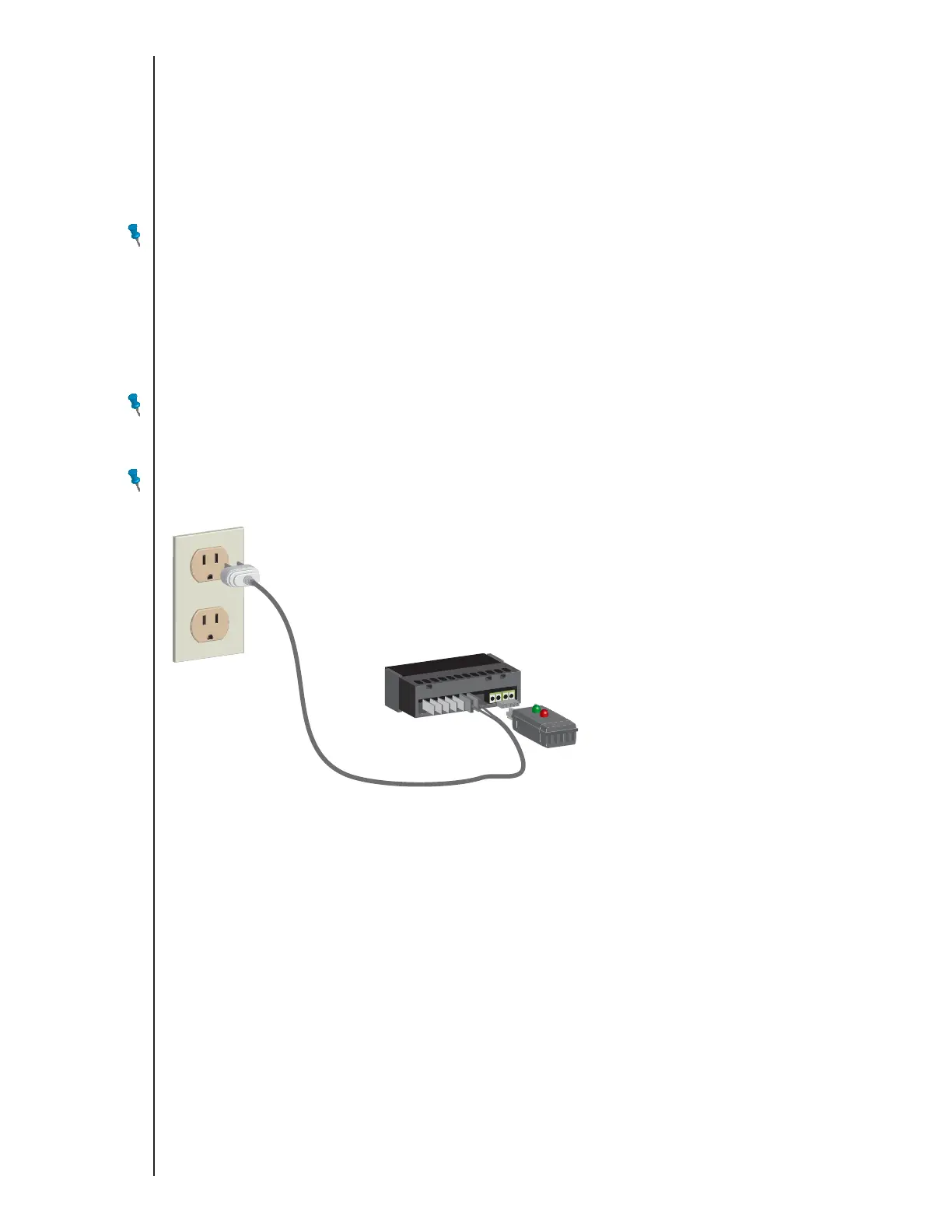
Connect the copy card to the Interface Box.
Click Download Config to Controller.
Click OK and follow the on screen prompts.
During the file transfer, both LEDs on the copy card are illuminated.
When the data transfer is completed, the green LED remains illuminated and the red LED is extinguished.
If the red LED remains illuminated and the green LED is extinguished, the transfer failed.
NOTE: Firmware is not transferred during a configuration download from EcoCool configuration software.
6.3.3 Uploading a configuration from a copy card into EcoCool configuration software
Connect the copy card to the Interface Box.
Click Upload Config from Controller.
Enter a name for the configuration file.
Click Save Configuration File.
Disconnect the copy card from the Interface Box.
NOTE: Firmware is not transferred during a configuration upload to EcoCool configuration software.
6.3.4 Installing firmware or a configuration file into a controller from a copy card
NOTE: If the copy card contains both a later version of firmware than the controller and a configuration file, both will be installed onto the controller. If only a
newer version of firmware is on the copy card, the configuration will be erased from the controller when the firmware is installed. If you are updating
firmware only, back up the controller configuration to the copy card that contains the firmware.
Disconnect power to the controller.
Disconnect power to any device, such as a compressor or fan, that is connected to the controller. These devices do not need to be disconnected from the
controller.
Connect the copy card to the controller.
Connect power to the controller to start the installation.
During the file transfer, both LEDs on the copy card are illuminated.
When the data transfer is completed, the green LED remains illuminated and the red LED is extinguished.
If the red LED remains illuminated and the green LED is extinguished, the transfer failed.
Disconnect copy card from the controller.
Disconnect power to the controller.
The controller is ready for use.
Connect power to the controller.
Connect power to any device, such as a compressor or fan, that is connected to the controller.
Type E7 EcoCool™ Electronic Temperature and Defrost Controllers
©2008 Invensys Controls All rights reserved.
DRAFT VERSION



 To Next Page