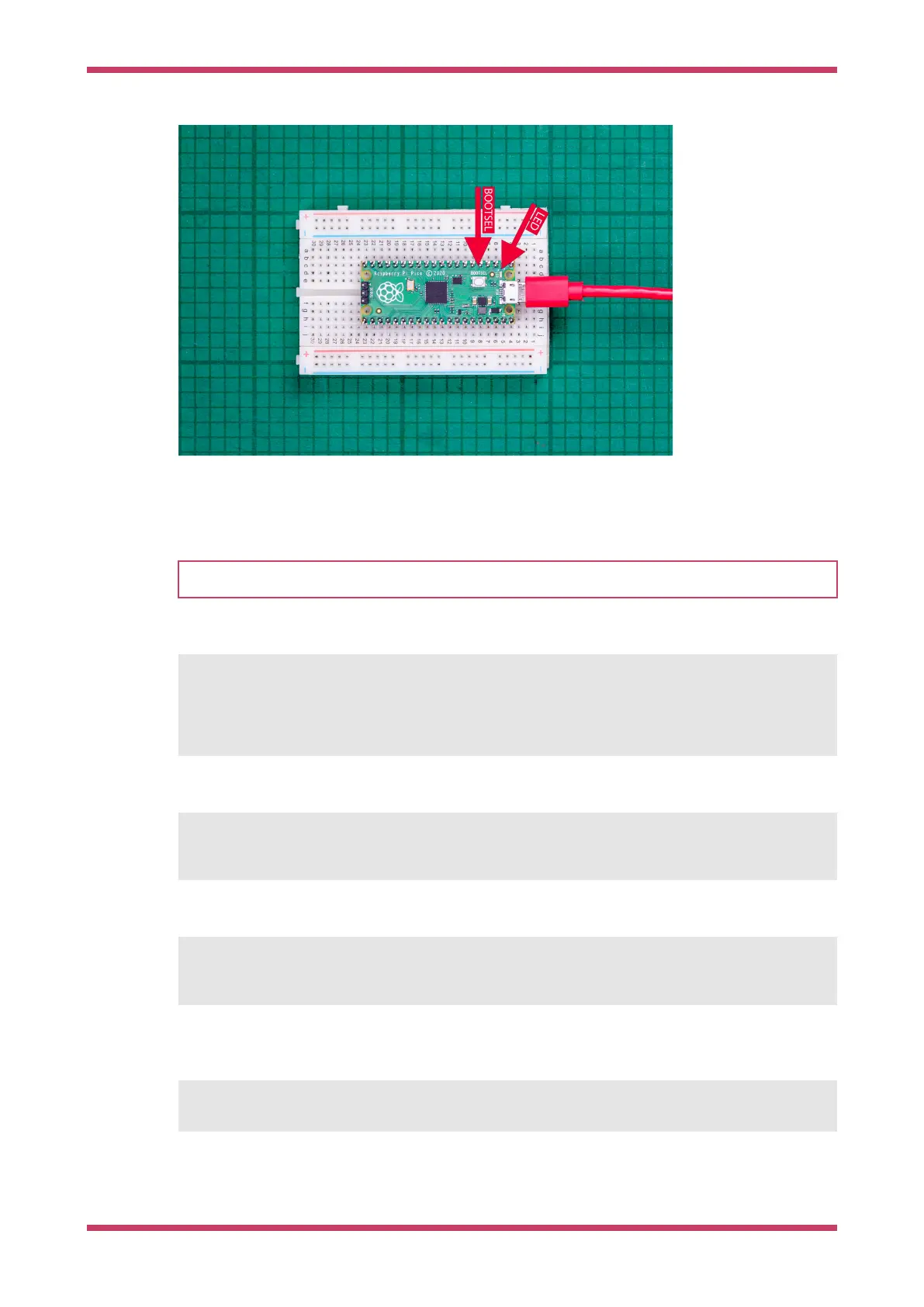
Figure 13. Blinking the
on-board LED on the
Raspberry Pi Pico 2.
Arrows point to the on-
board LED, and the
BOOTSEL button.
Using the command line
TIP
You can use picotool to load a UF2 binary onto your Pico-series device, see Appendix B.
Depending on the platform you use to compile binaries, you may have to mount the mass storage device manually:
$ dmesg | tail
[ 371.973555] sd 0:0:0:0: [sda] Attached SCSI removable disk
$ sudo mkdir -p /mnt/pico
$ sudo mount /dev/sda1 /mnt/pico
If you can see files in /mnt/pico, the USB Mass Storage Device has mounted correctly:
$ ls /mnt/pico/
INDEX.HTM INFO_UF2.TXT
Copy your blink.uf2 onto the device:
$ sudo cp blink.uf2 /mnt/pico
$ sudo sync
The microcontroller automatically disconnects as a USB Mass Storage Device and runs your code, but just to be safe,
you should unmount manually as well:
$ sudo umount /mnt/pico
Getting started with Raspberry Pi Pico-series
Use the CLI to Blink an LED in C 37



 To Next Page