Running the Debugger
Once the Run configuration is complete and saved, you can launch immediately using the Run button at the bottom right
of the dialog, or simply Apply the changes and Close the dialog. You can then run the application using the Run Menu Debug
option.
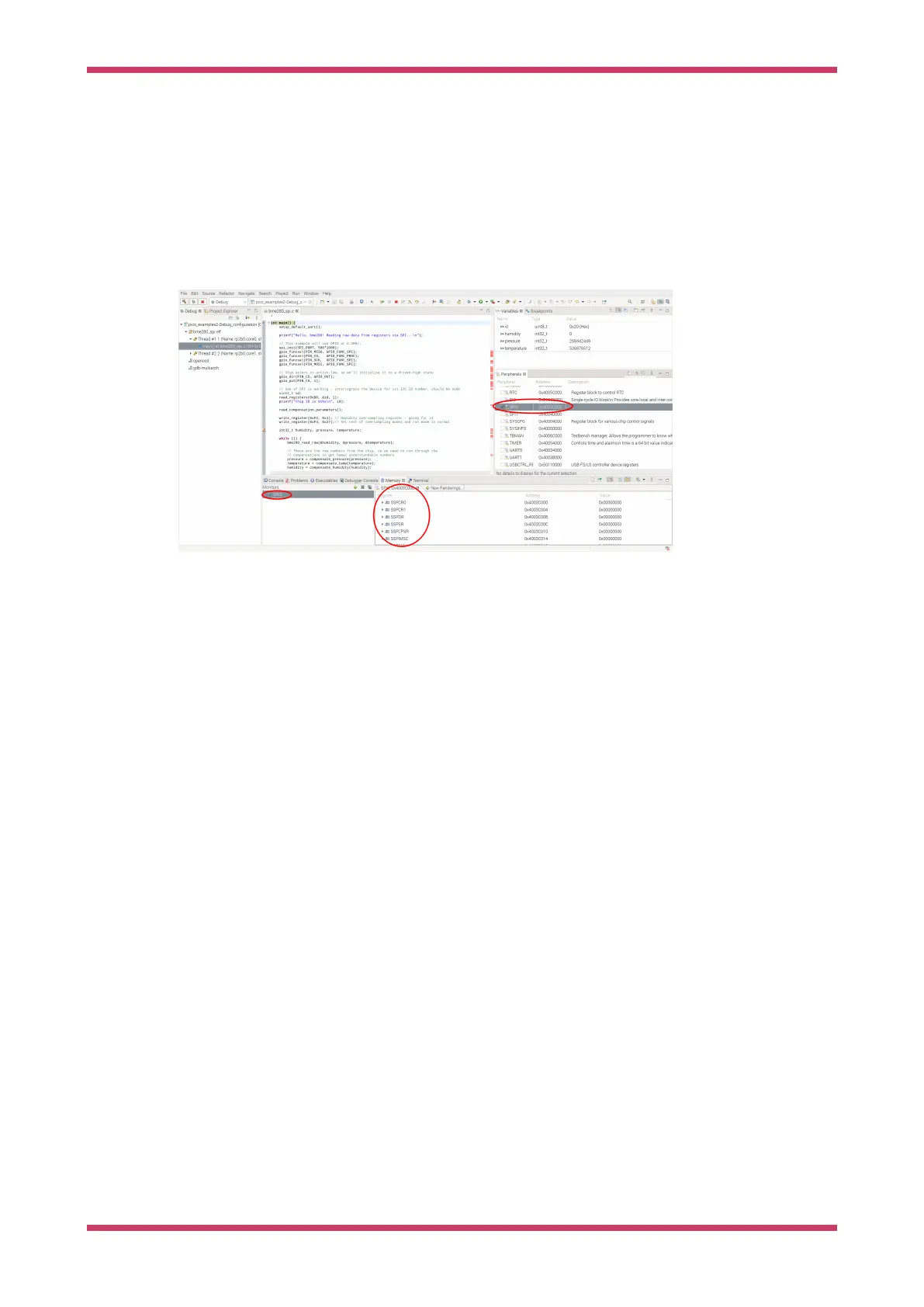
This will set Eclipse in to debug perspective, which will display a multitude of different debug and source code windows,
along with the very useful Peripherals view which uses the SVD data to provide access to peripheral registers. From this
point on this is a standard Eclipse debugging session.
Figure 19. The Eclipse
debugger running,
showing some of the
debugging window
available.
Use CLion
CLion is a multiplatform Integrated Development environment (IDE) from JetBrains, available for Linux, Windows and
Mac. This is a commercial IDE often the choice of professional developers (or those who love JetBrains IDEs) although
there are free or reduce price licenses available. It will run on a Raspberry Pi, however the performance is not ideal, so it
is expected you would be using CLion on your desktop or laptop.
Whilst setting up projects, development and building are a breeze, setting up debug is still not very mainstream at the
moment, so be warned.
Setting up CLion
If you are planning to use CLion we assume you either have it installed or can install it from https://www.jetbrains.com/
clion/
Setting up a project
Here we are using pico-examples as the example project.
To open the pico-examples project, select Open… from the File menu, and then navigate to and select the pico-examples
directory you checked out, and press OK.
Once open you’ll see something like Figure 20.
Getting started with Raspberry Pi Pico-series
Use CLion 47



 To Next Page