3.2. Install the Extension
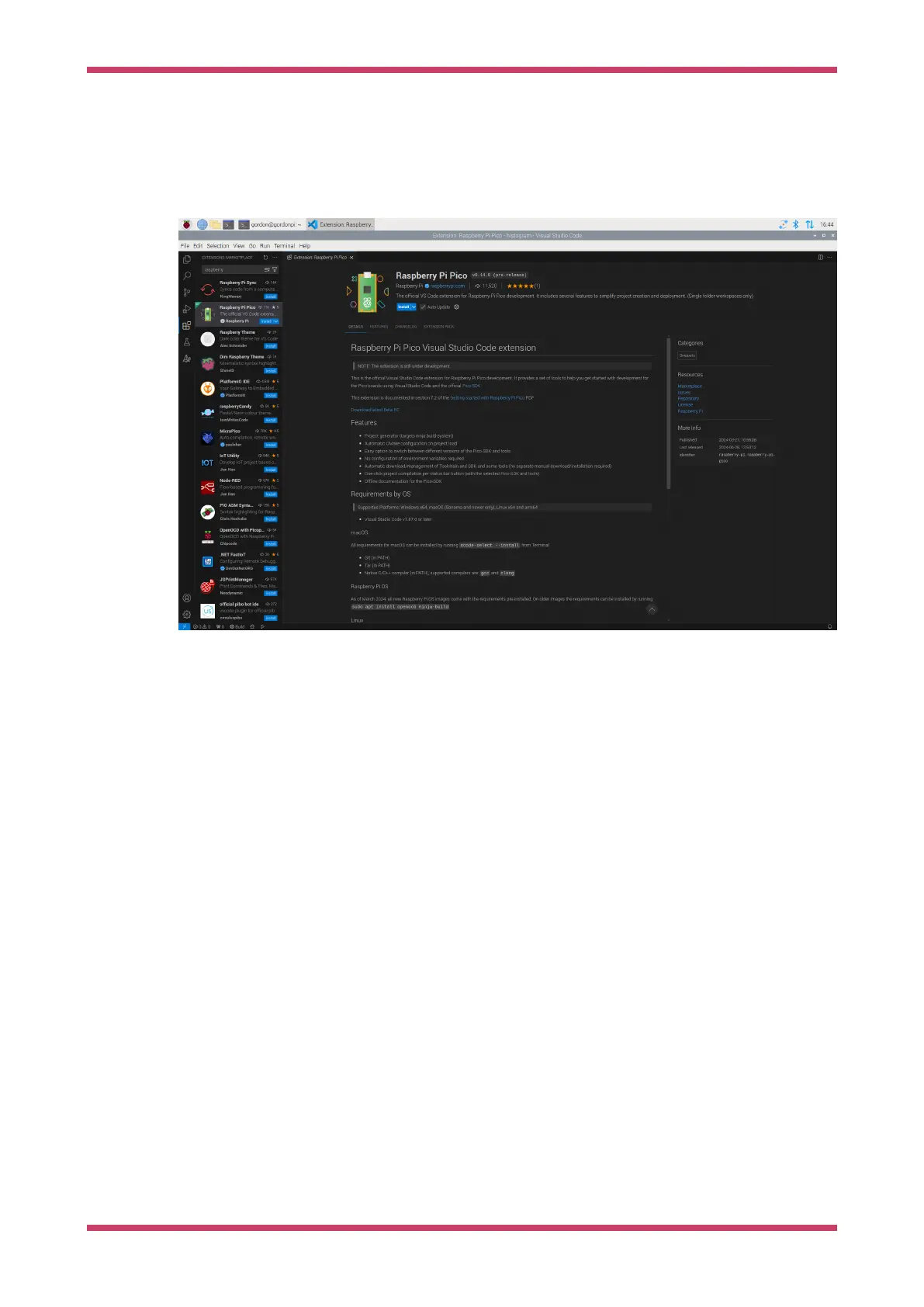
You can find the extension in the VS Code Extensions Marketplace. Search for the Raspberry Pi Pico extension,
published by Raspberry Pi. Click the Install button to add it to VS Code.
Figure 1. Debugging in
VS Code.
You can find the store entry at https://marketplace.visualstudio.com/items?itemName=raspberry-pi.raspberry-pi-pico.
You can find the extension source code and release downloads at https://github.com/raspberrypi/pico-vscode.
When installation completes, check the Activity sidebar (by default, on the left side of VS Code). If installation was
successful, a new sidebar section appears with a Raspberry Pi Pico icon, labelled "Raspberry Pi Pico Project".
Getting started with Raspberry Pi Pico-series
3.2. Install the Extension 7



 To Next Page