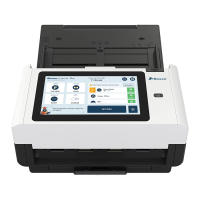
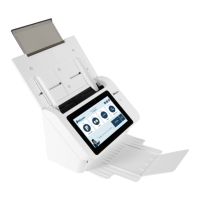
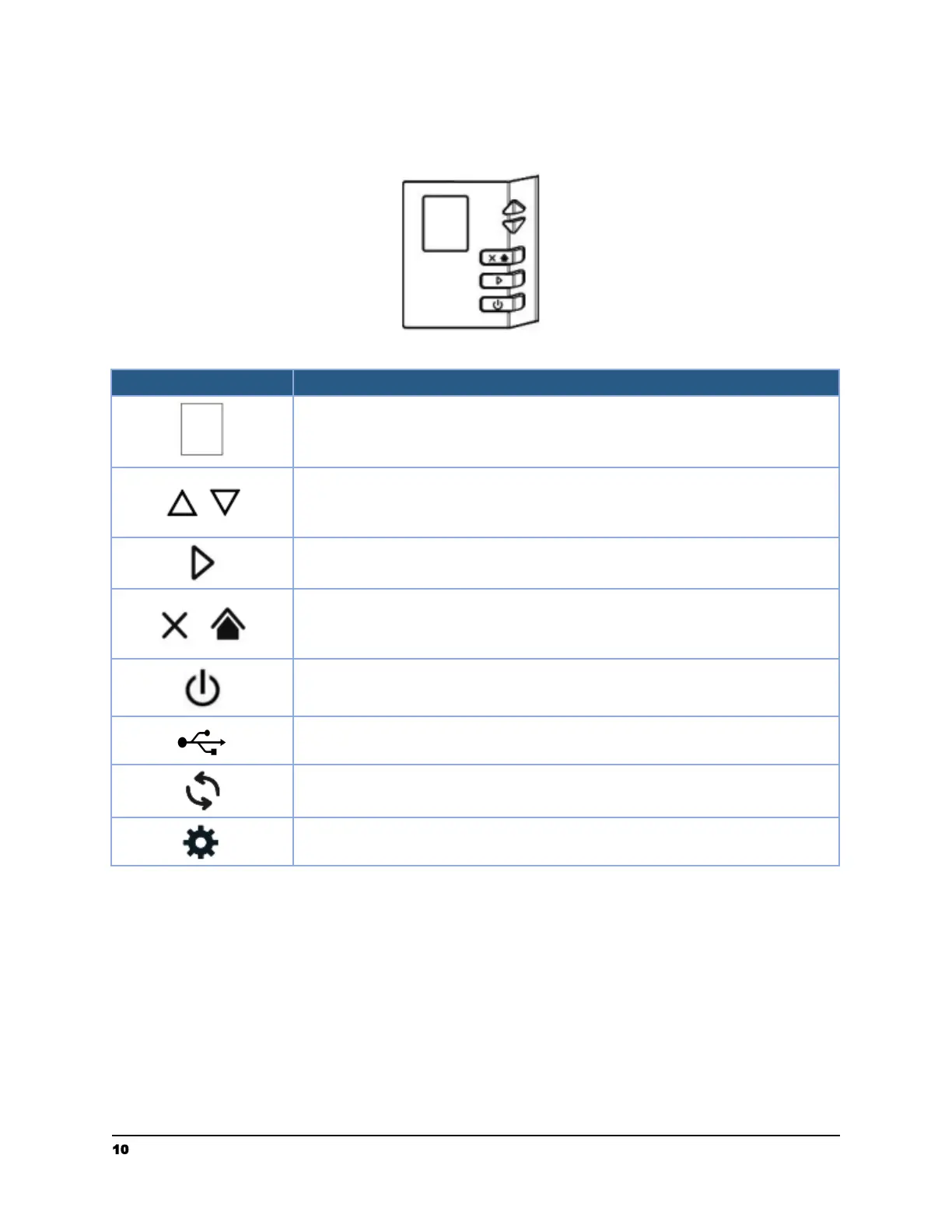
Control Panel
● Displays the scanning and error status.
● Displays the list of workflows available.
● Used to scroll up and down to view available workflows in
Raven Desktop.
● Used to select an item.
● Press to start a scan.
● Press to confirm a selection.
● Short press to cancel a scanning job during scanning.
● Short press to go back to the previous screen.
● Long press to return to the home screen.
● Short press to turn on the power.
● Long press to turn off the power.
● USB icon will appear when there is a successful USB
connection between the computer and scanner
● Refresh icon can be selected to refresh connection status
● Settings icon can be selected to view settings and scanner
information
10 support@raven.com | 1-800-713-9009 | raven.com/support


 To Next Page
 Loading...