Scanning a Stack of Document with Various Sizes and Weights
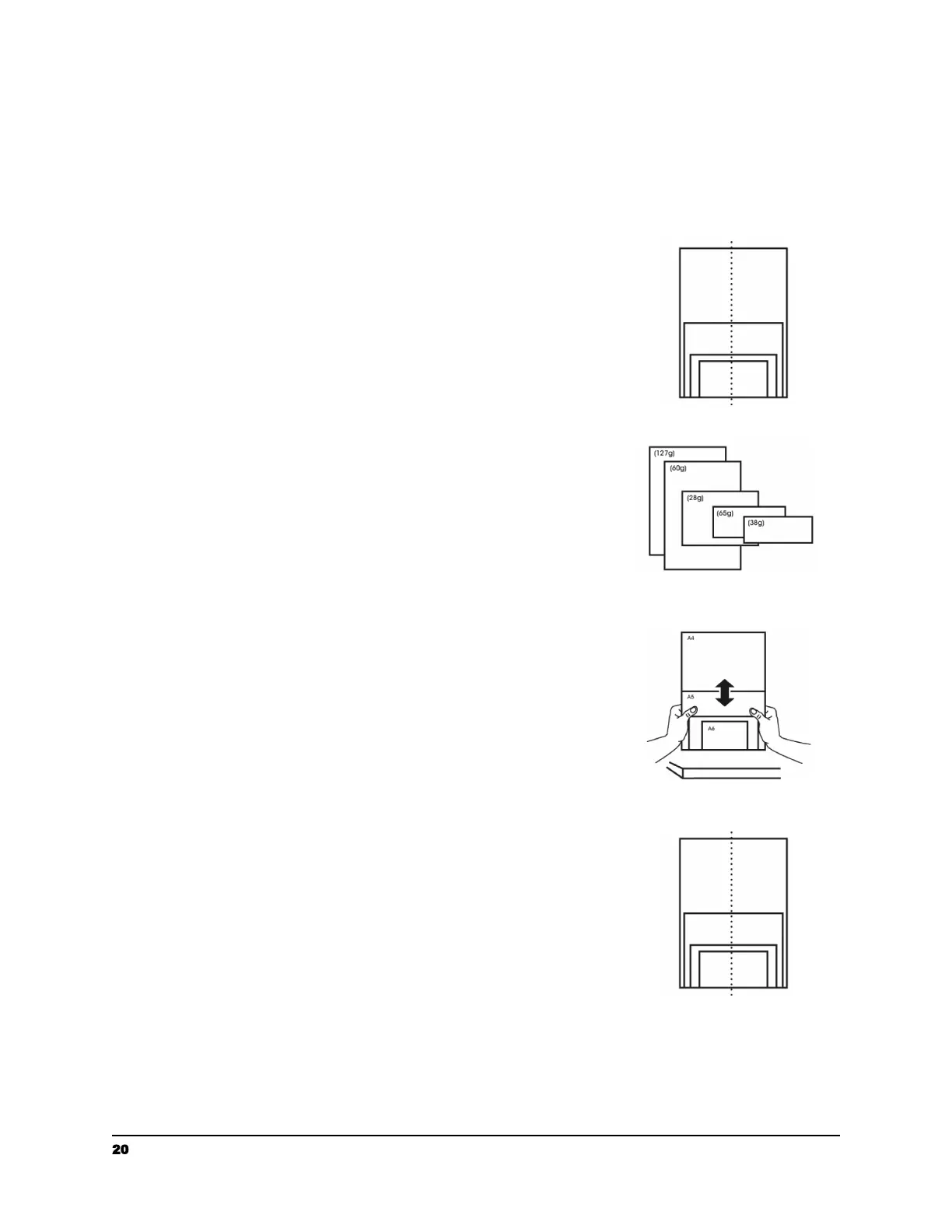
When scanning a batch of documents with different sizes and weights, be sure to follow
the following guidelines to avoid a skewed image or a paper jam:
1. Align the documents TOP EDGE first in the sequence of
paper size from large to small.
2. If two pages are of the same size yet with different
weight, arrange these pages in the sequence of paper
weight from heavyweight to lightweight.
3. Align the edges of the documents by tapping the
bottom of the stack against the table top.
4. Center these pages in the document feeder and make
sure that the edges of page of the largest size slightly
touch the Paper Guide.
20 support@raven.com | 1-800-713-9009 | raven.com/support


 To Next Page
 Loading...