RAY User Guide Getting Started with RAY
14
Device
Device Device
Device Activation
ActivationActivation
Activation
RAY must be activated within 30 days of the initial use with basic personal
information including name, email address and phone number. This will enable on-
going remote support and software updates for your RAY device.
The registration is done on the web through your personal web portal. After
activation is completed, you will receive a welcoming email containing your
personal User ID and password.
Powering
Powering Powering
Powering On
On On
On RAY
RAYRAY
RAY
►
To power
To powerTo power
To power
on
on on
on RAY:
RAY:RAY:
RAY:
1 Long press the ON/OFF button on the top of RAY (shown in
Error! Reference source not found.) and wait a few
seconds.
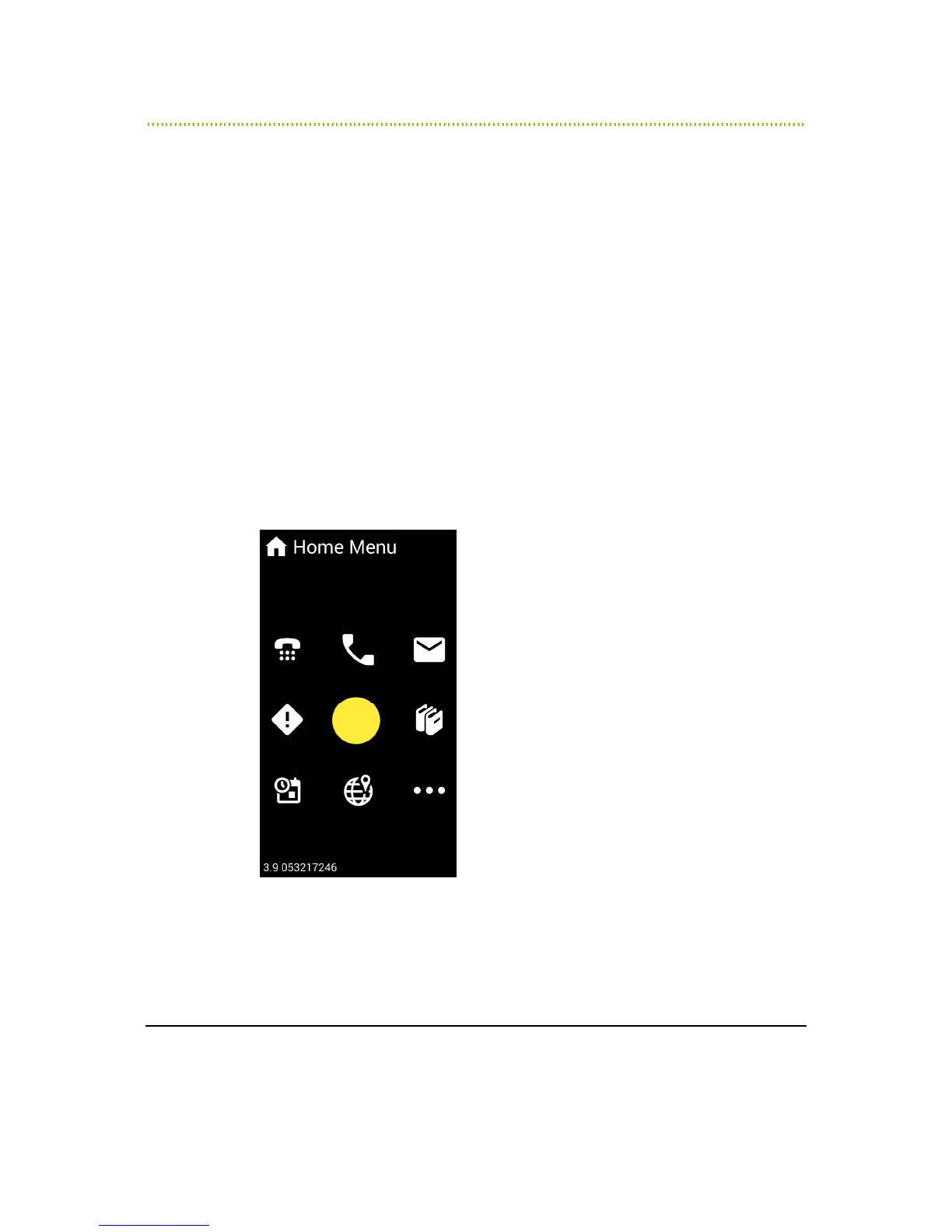
RAY plays the opening sound and the Home Menu
appears, as shown below:
2
Figure 3: Home Menu
You may refer to
Chapter 4, Using RAY
on page 40 for a description of the
options available in the Home Menu.



 To Next Page